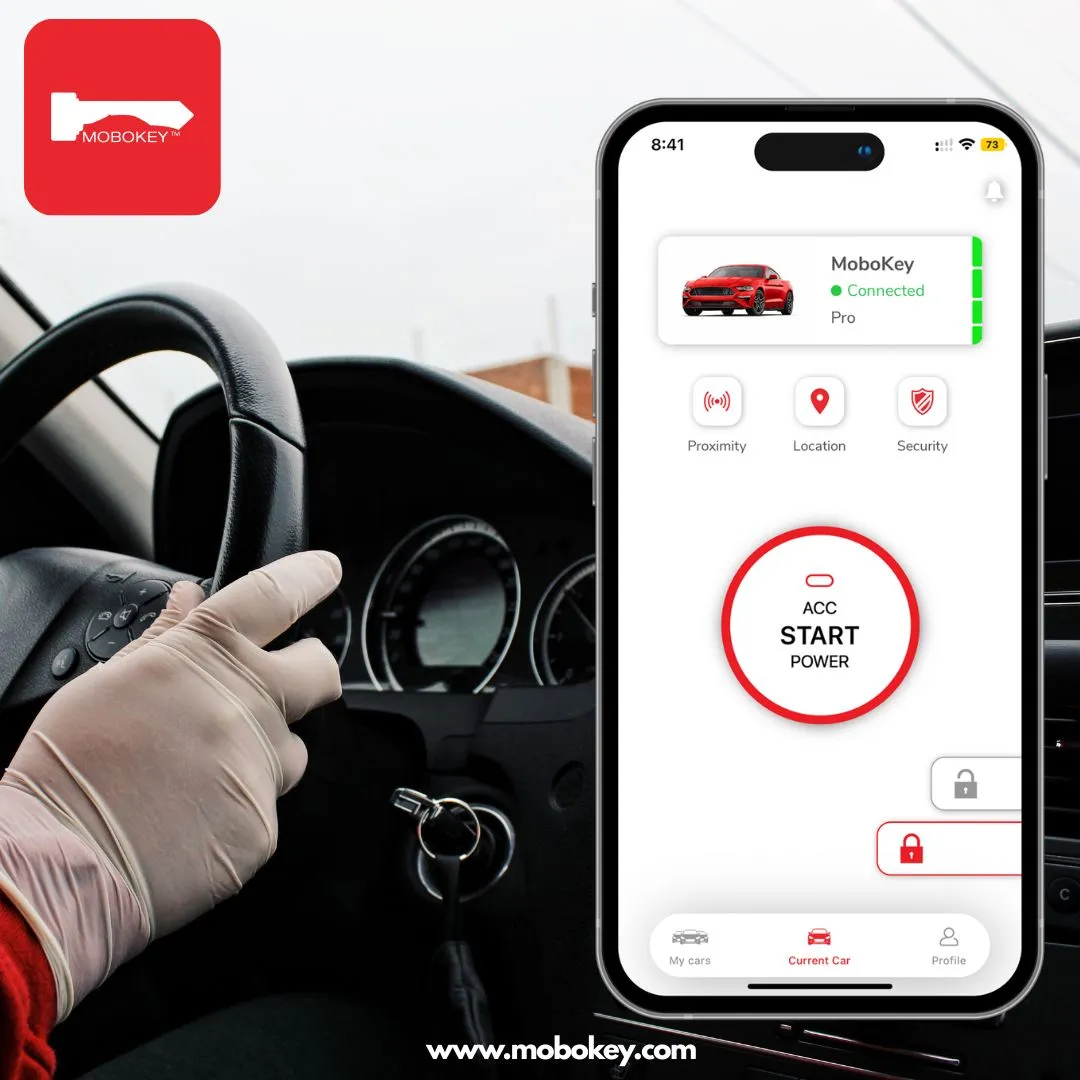
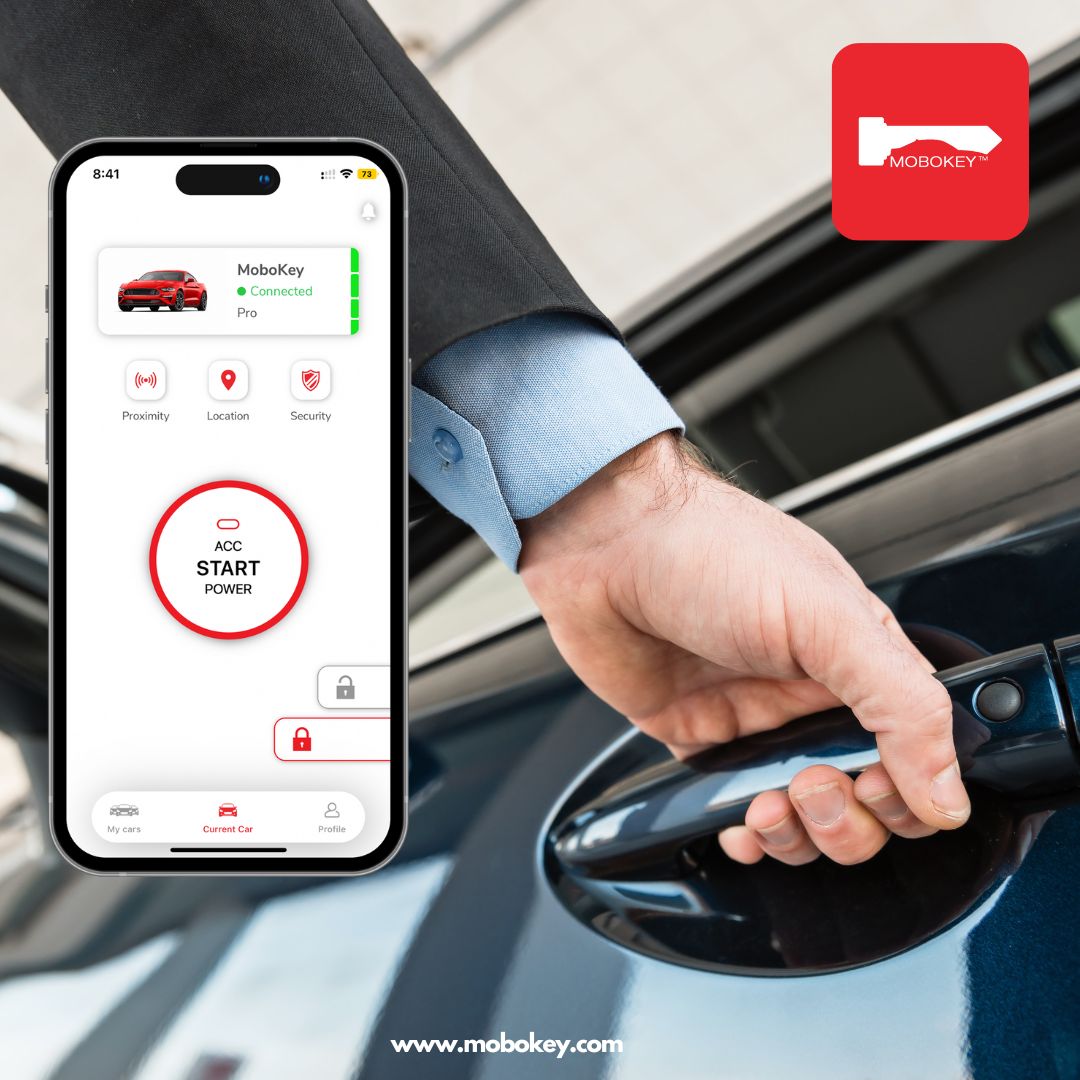
Losing keys, worrying about break-ins, or wondering if you locked the car are concerns of the past. With MoboKey’s remote lock and unlock feature, your vehicle is just a tap away—anytime, anywhere. Whether you’re managing a rental fleet or just want better control over your personal vehicle, MoboKey provides smart, secure, and seamless access through your smartphone.
What is Remote Lock and Unlock?
It’s the ability to lock or unlock your vehicle from your phone, regardless of your physical distance from it. MoboKey turns your smartphone into a digital car key, allowing you to control access with full security and flexibility.
How Can You Unlock Your Car from Your Phone?
Three routes exist in 2026, and they suit different situations.
Your manufacturer’s app. Newer connected cars include remote unlock in the brand’s app. It works well where offered — however, commands route through the internet, many brands charge a connected-services subscription after the trial, and older models are not covered.
An aftermarket digital key. MoboKey adds phone-based unlocking to almost any car, new or old. The connection runs over encrypted Bluetooth directly between phone and vehicle, so it works with zero internet at the car — underground garages included. Here is how a digital car key works in detail.
Locked out right now, without either? Do not force the door. Work through the free options first — every door, the trunk, whoever holds your spare — then roadside assistance or a locksmith. Our step-by-step guide covers it: locked keys in your car — what to do.
The difference between the first two routes matters more than most drivers expect. An internet-dependent unlock fails exactly where cars park — concrete garages and dead zones. Reviewers at Kelley Blue Book consistently note connectivity as the weak point of app-based car features. Bluetooth-based unlocking sidesteps the problem entirely, because the phone talks to the car directly.
How MoboKey’s Remote Access Improves Car Security
1. Lock or Unlock Anywhere, Instantly
-
Left the car unlocked? Lock it from the app.
-
Friend or renter needs access? Unlock it remotely, then lock it again.
-
Never worry about spare keys or manual handovers.
2. Digital Key Sharing with Full Control
-
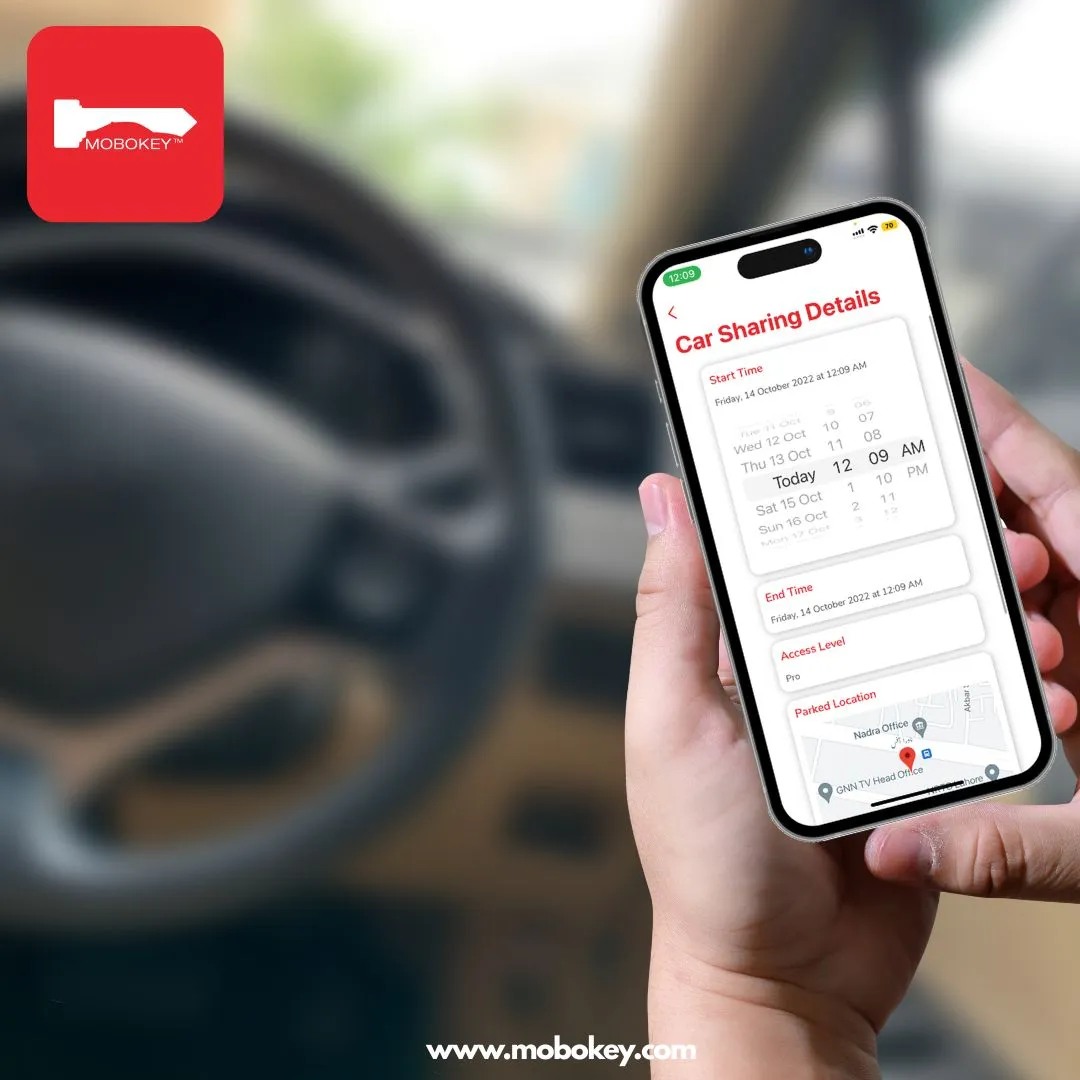
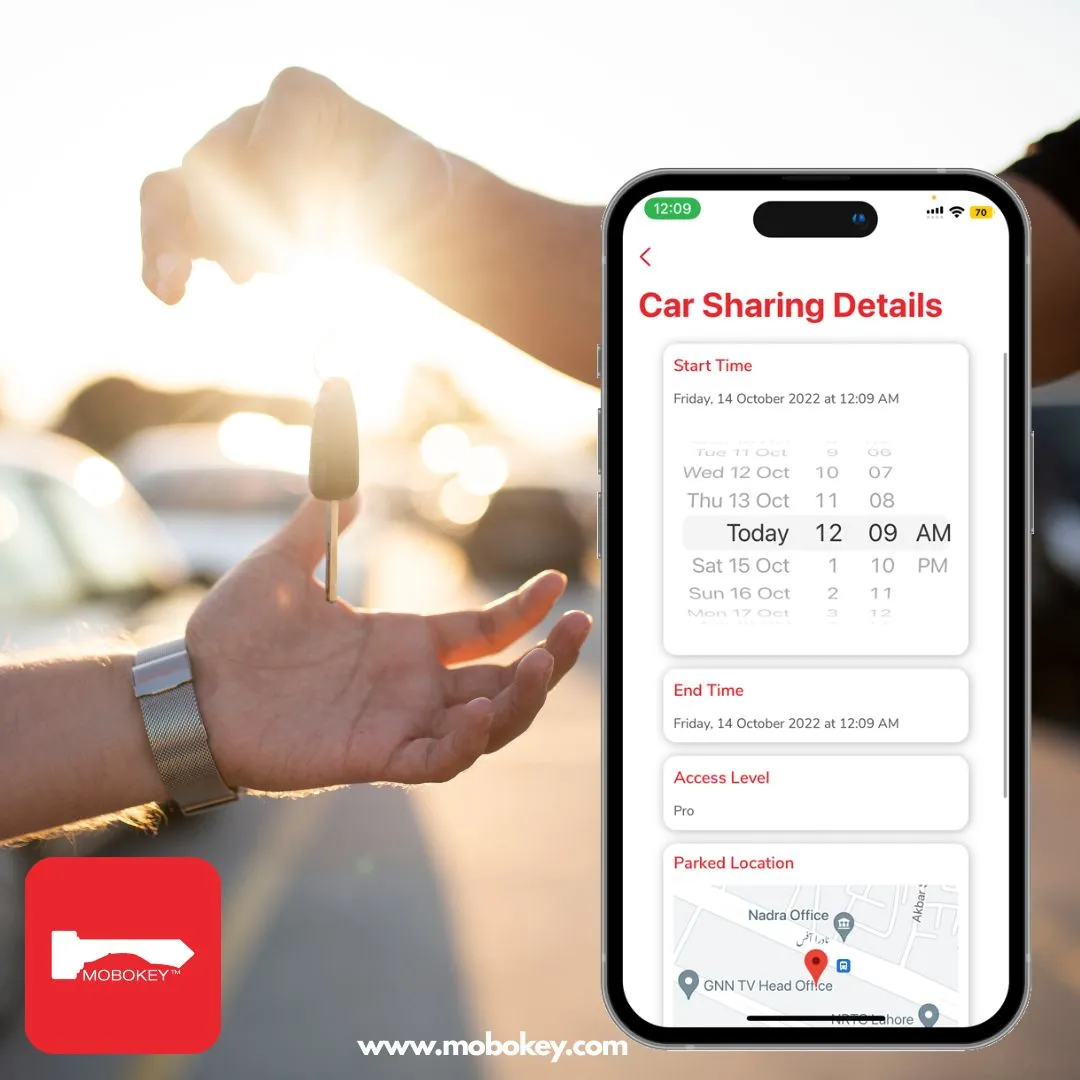
Share temporary access with friends, family, or customers.
-
Set time-limited permissions that expire automatically.
-
Revoke access instantly if needed.
See the full guide to sharing your car key with family.
3. Always Know Who Accessed Your Car
-
Get real-time notifications when someone unlocks or locks the vehicle.
-
View detailed access logs in your MoboKey dashboard.
-
Know exactly who had access and when.
4. Add a Layer of Theft Protection
-
Use remote engine kill to prevent unauthorized use.
-
Even if someone physically enters the car, they can’t drive it without app-based authorization.
Perfect for Both Personal and Commercial Use
For Personal Vehicles:
-
Say goodbye to forgotten keys or key fobs.
-
Ideal for families sharing one vehicle.
-
Total peace of mind from anywhere in the world.
For Car Rental & Sharing Fleets:
-
Enable contactless access for renters.
-
Manage access to multiple cars and users remotely.
-
Reduce overhead, manual labor, and improve customer satisfaction.
Here is how operators manage a small rental fleet from one app.
Why Choose MoboKey Over Traditional Systems?
| Feature | MoboKey | Traditional Keys |
|---|---|---|
| Remote Lock/Unlock | ✅ Yes | ❌ No |
| Digital Key Sharing | ✅ Yes | ❌ No |
| Access Logs | ✅ Yes | ❌ No |
| Remote Engine Kill | ✅ Yes | ❌ No |
| Time-Limited Access | ✅ Yes | ❌ No |
Getting Started with MoboKey is Easy
-
Install MoboKey’s hardware in your car.
-
Download the MoboKey app and connect your vehicle.
-
Start locking, unlocking, and managing access with full confidence.
Conclusion: Total Control, Total Security
With MoboKey’s remote lock and unlock feature, your car’s security is never out of reach. Whether you’re halfway across the world or just around the corner, you have instant control and real-time oversight—all from your smartphone. Protect your vehicle and simplify access with MoboKey—your key to smarter car security.
Try out MoboKey for Car Rental now: Download your Mobokey application here: Go to Play Store or App Store!
Get more info about MoboKey: Remote Lock and Unlock
Frequently Asked Questions: Remote Lock and Unlock
Yes. Newer connected cars unlock through the manufacturer’s app, and an aftermarket system like MoboKey adds phone-based unlocking to over 90% of vehicles — including older models. With MoboKey, the doors unlock hands-free as you approach with your phone in your pocket.
Check every door and the trunk first, then call whoever holds your spare. If nothing works, roadside assistance or a locksmith opens most cars in under 30 minutes for $75 to $250. Never pry a door or break glass unless a child or pet is inside — in that emergency, call 911.
Manufacturer apps do — the command travels through their servers, which fails in garages and dead zones. MoboKey works over encrypted Bluetooth directly between your phone and the car, so unlocking needs no internet at the vehicle at all.
Yes. MoboKey uses AES-encrypted Bluetooth, and every unlock is tied to an authorized phone and logged. Unlike a physical key, a digital key cannot be copied at a hardware store, and you can revoke any shared key instantly.
Only if you let them. You issue digital keys to family, friends, or renters with time limits you control — weekend access, evening hours, a single booking. Each key expires on schedule and can be revoked in seconds.
With MoboKey, over 90% of vehicles — key-start and push-start, automatic and manual, from 1990s models to current ones. Professional installation takes one to two hours, and the original keys keep working as backup.