Direct answer: Keyless entry for Turo hosts means letting guests unlock and start the rental car from their phone without any physical key exchange. The main options are a key lockbox, a smart lockbox, Turo Go, an OEM app where available, or an aftermarket system like MoboKey. Each removes the key handover problem. However, they differ significantly on security, platform flexibility, and ongoing cost. MoboKey is the only aftermarket option that adds remote engine kill, automatic key expiry, and fleet tracking with no monthly subscription.
Key handovers are the single biggest friction point in Turo hosting. In fact, guests who arrive late, leave early, or book last-minute make physical handovers nearly impossible to manage. Going keyless removes that friction entirely and opens your calendar to bookings you would otherwise have to decline.
Why do Turo hosts need keyless entry?
Physical key handovers create three problems that limit a Turo host’s revenue.
First, they require coordination. You and the guest must be in the same place at the same time. This rules out early-morning pickups, late-night returns, and same-day bookings unless you happen to live near the car.
Second, they create security risk. A physical key can be copied. Furthermore, if the key goes missing, you face a locksmith bill, a lock change, and a gap in your calendar while the car is out of service.
Third, they do not scale. Managing one car with physical handovers is feasible. Managing five or ten is not. Therefore, keyless entry is not just a convenience for Turo hosts — it is a prerequisite for running a profitable multi-vehicle operation.
What are the keyless entry options for Turo hosts?
There are five practical keyless entry solutions available to Turo hosts in 2026.
Key lockbox
Stores the physical car key in a combination box on the vehicle. Cost: $30–$80, no ongoing fee. The physical key still exists and can be copied. Additionally, there is no way to revoke access remotely if a problem arises.
Smart lockbox
Uses an app to generate and expire access codes. Logs access attempts and lets the host control who has the code and when. Cost: $50–$150 upfront, no monthly fee. Moreover, it still stores a physical key.
Turo Go
Turo’s proprietary in-car device. Guests unlock through the Turo app when the booking is active. Integrates natively with the platform. However, it works only within the Turo ecosystem — it does not transfer to other platforms or direct bookings. Full comparison: Turo Go vs MoboKey.
OEM app-based access
Some newer vehicles (Tesla, Hyundai, BMW, and others) include factory remote access apps. Free where available, but limited to specific makes and model years. Compatibility is the constraint.
Aftermarket keyless system (MoboKey)
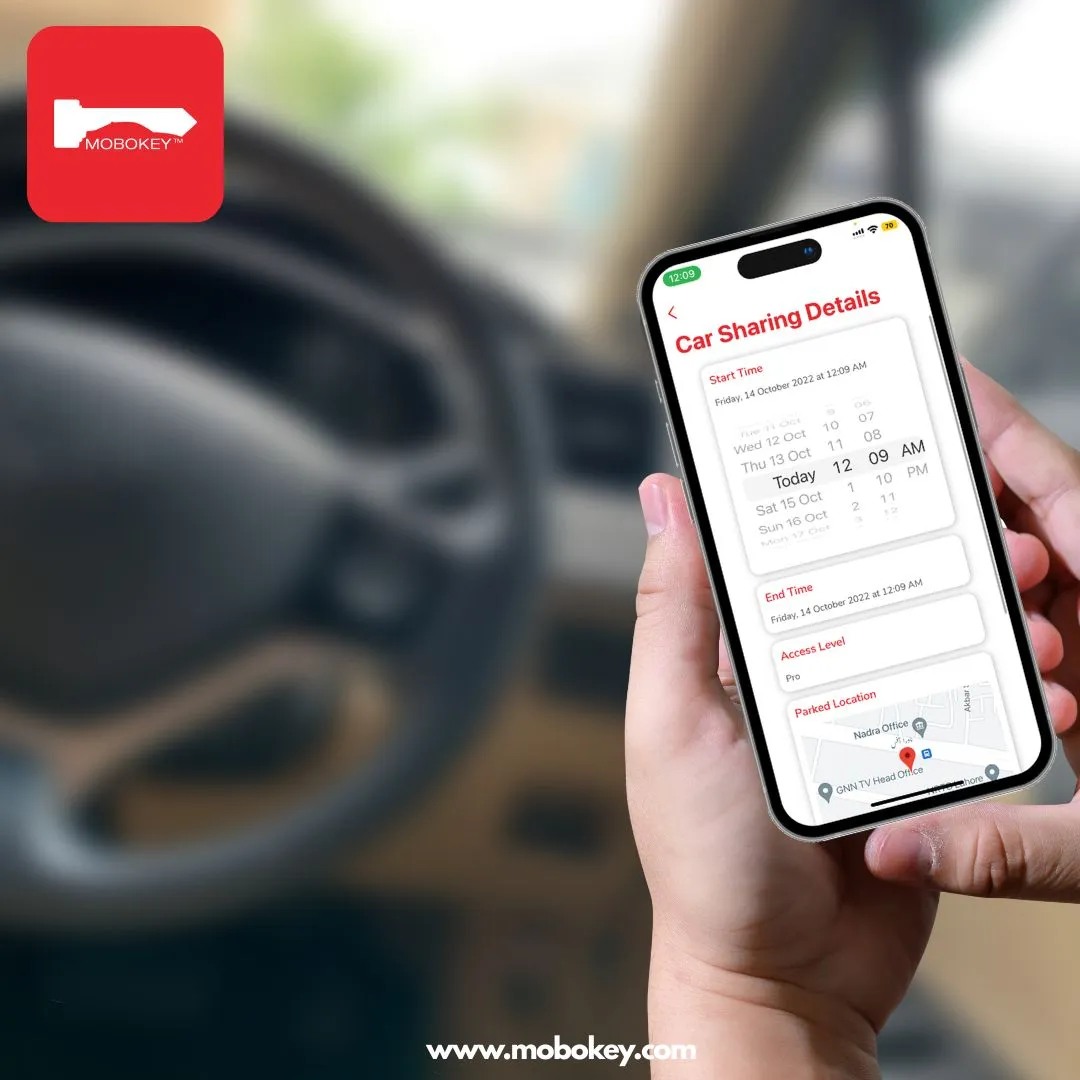
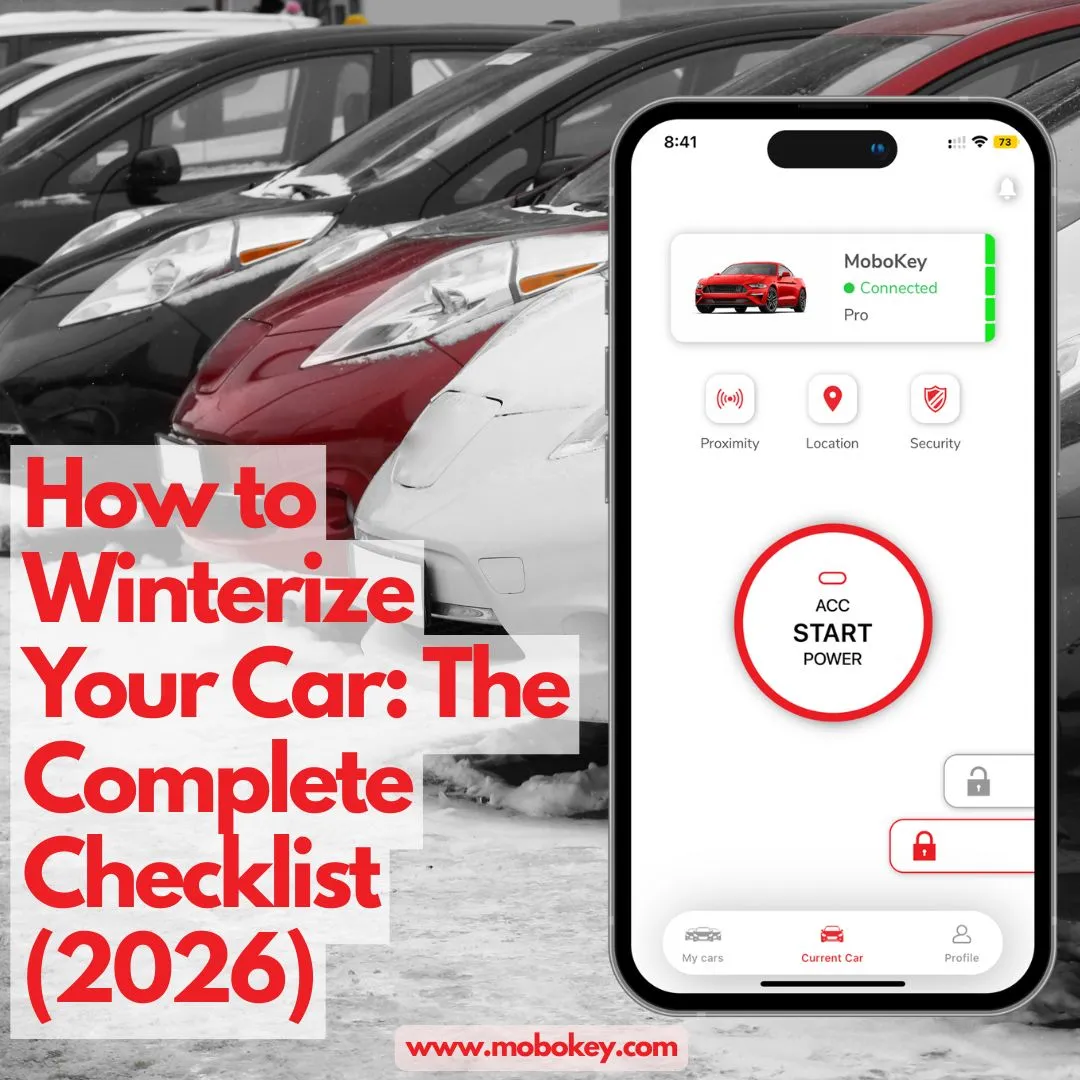
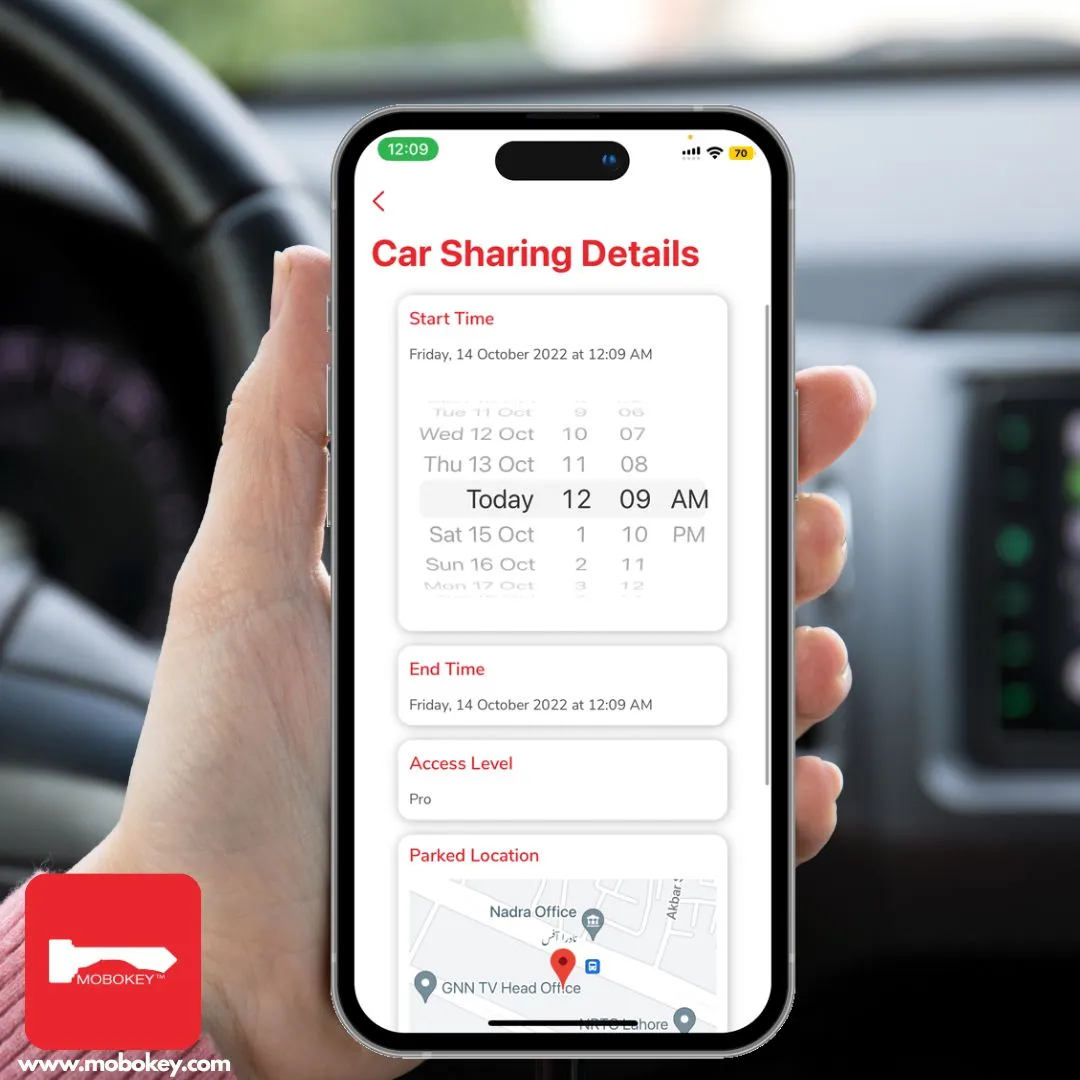
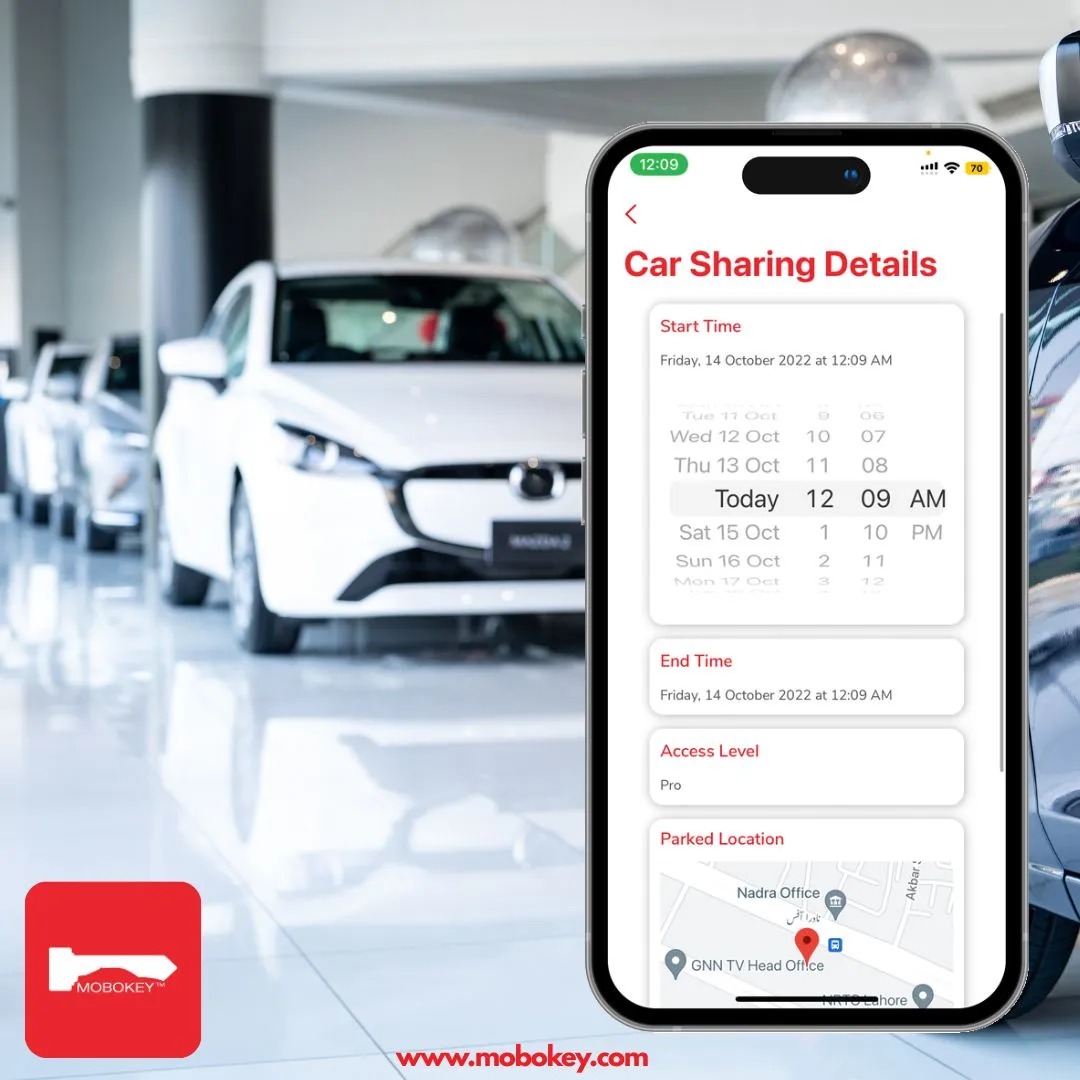
Installs in any vehicle. The host issues time-bound digital keys to each guest through the app — the key expires when the booking ends. In addition, MoboKey adds remote engine kill, hands-free auto unlock, and parked location tracking. One-time hardware cost, no subscription.
How do the keyless entry options for Turo hosts compare?
| Solution | Upfront cost | Monthly cost | Works on all platforms? | Remote kill switch? | Key expires auto? |
|---|---|---|---|---|---|
| Key lockbox | $30–$80 | None | Yes | No | No |
| Smart lockbox | $50–$150 | None | Yes | No | Code only |
| Turo Go | Low / free | Subscription | Turo only | Limited | Yes |
| OEM app access | Free (if available) | Varies | Brand-limited | No | Yes |
| MoboKey | One-time hardware | None | Yes — any platform | Yes | Yes |
In contrast to lockbox solutions, app-based systems let the host revoke access instantly if a booking changes. However, only MoboKey combines platform independence with a remote engine kill switch — the feature that matters most for hosts managing multiple vehicles or operating outside the Turo ecosystem.
What makes the best keyless entry solution for a Turo host?
For a single-car host listing only on Turo, a smart lockbox or Turo Go both work well. They are low-friction and integrate with the platform you already use.
For a host with two or more vehicles, or one who plans to list on multiple platforms, platform-independent keyless entry is the better investment. Furthermore, a remote engine kill switch adds protection that neither a lockbox nor a platform-native device provides.
For hosts building their own independent car sharing brand, MoboKey GO offers a white-label booking platform alongside the keyless access hardware. This removes marketplace commissions entirely and builds a direct customer relationship from the first booking.
Consumer Reports covers app-based vehicle access as one of the most significant shifts in how owners interact with their cars. For Turo hosts, that shift translates directly into more bookings, less coordination, and lower operational risk.
MoboKey installs on over 90% of vehicles with a one-time hardware cost — no annual fee, no booking commission, and no monthly subscription. For hardware details, visit MoboKey Shop. To learn more about how MoboKey works for Turo hosts and car sharing operators, visit mobokey.com.
Ready to go keyless? Visit mobokey.com or contact us today to get started.
Choosing a vehicle too? See the best cars for Turo in 2026.
Frequently asked questions: keyless entry for Turo hosts
A key lockbox is the simplest setup — no installation, works immediately. However, a smart lockbox or an aftermarket system like MoboKey provides significantly better security and remote control. For the best combination of simplicity and protection, MoboKey is the most complete solution.
Yes. MoboKey works independently of any booking platform. You issue time-bound digital keys to guests through the MoboKey app for the duration of each booking window. The key expires automatically when the booking ends, regardless of which platform the booking came through.
No. Turo Go is optional. Hosts can use any keyless access solution — smart lockboxes, OEM apps, or aftermarket systems like MoboKey. Turo requires only that guests can access the vehicle at the agreed time.
With a physical key or lockbox, a late return gives the guest continued access with no remote override. With MoboKey, you can revoke the digital key instantly from your phone. Additionally, parked location tracking shows exactly where the vehicle is at any time.
Yes. No restriction applies to the type of access system a Turo host uses, provided the guest can access the vehicle as agreed. Keyless systems that issue time-bound digital keys meet this requirement and see widespread use across all major peer-to-peer car sharing platforms.
Turo Go works only within the Turo app and ecosystem. MoboKey works on any platform or for direct bookings. In addition, MoboKey adds a remote engine kill switch, proximity engine control, and parked location tracking — features that Turo Go does not include.