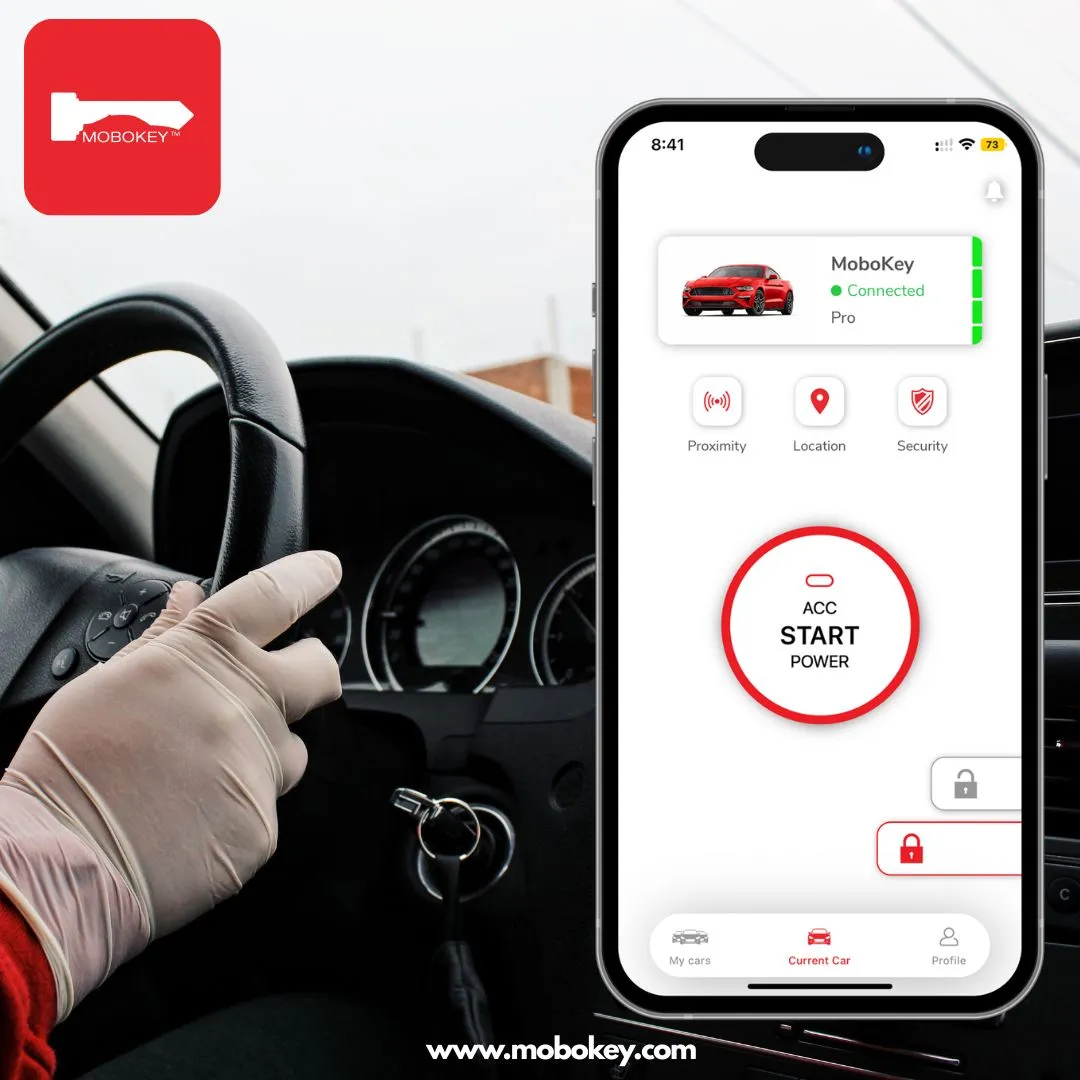
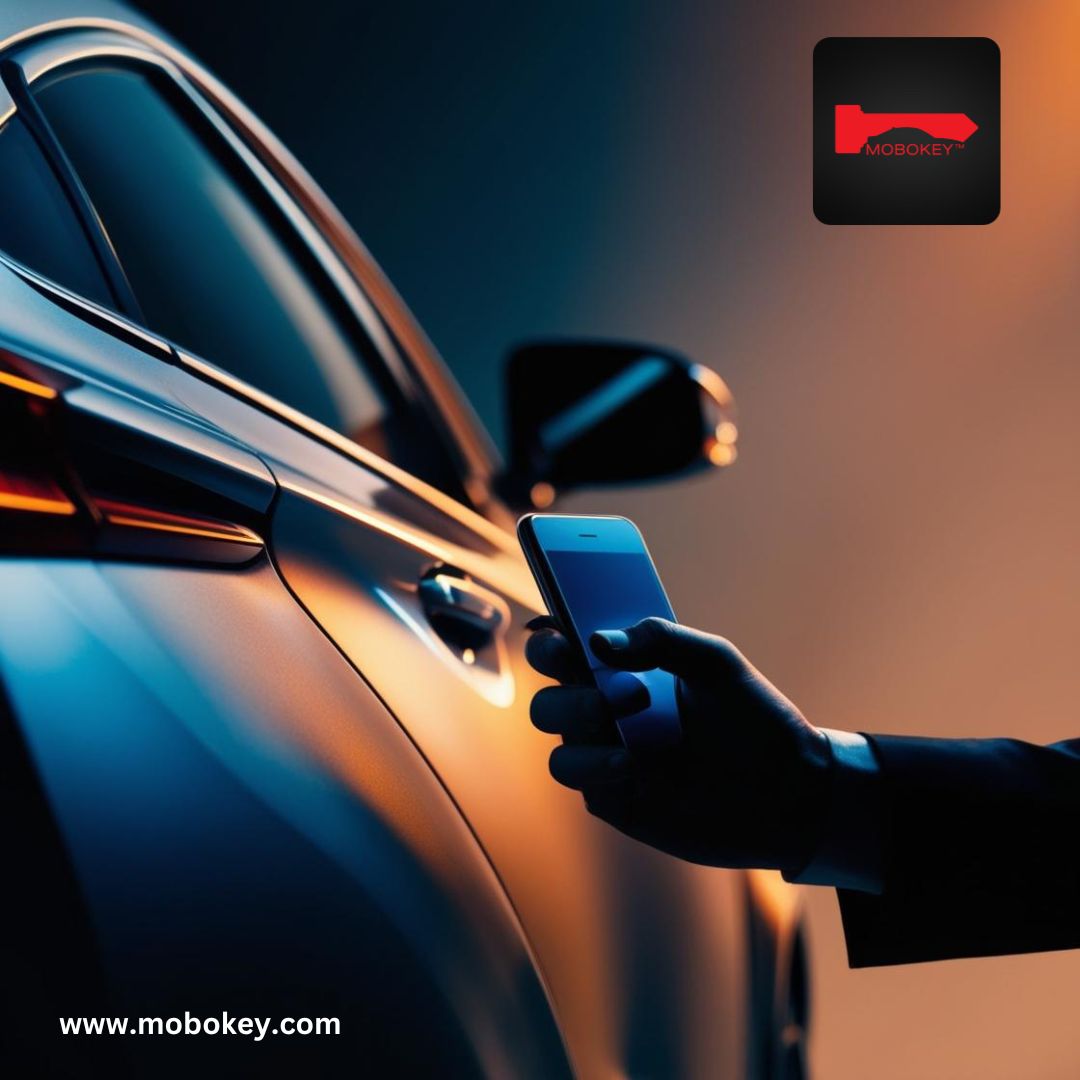
A proximity keyless entry system unlocks your car automatically as you approach and locks it as you walk away — no button, no fob, no key. MoboKey does this through your smartphone over encrypted Bluetooth: the device in the car detects your phone’s distance and triggers the locks at the range you choose. Unlike factory fob systems, there is no constantly broadcasting signal for relay thieves to capture, and the feature works on over 90% of vehicles, including older models.
In today’s fast-paced world, convenience and security are top priorities for drivers. MoboKey addresses both with its proximity auto-lock/unlock feature, which ensures your vehicle remains secure and accessible without you needing to lift a finger. In this blog, we’ll dive into what the proximity auto-lock/unlock feature is, how to set it up, and why it’s the perfect addition for any car owner looking for a secure, keyless experience.
What Is a Proximity Keyless Entry System for a Car?
Proximity keyless entry means the car responds to how close its authorized key is — approaching unlocks the doors, leaving locks them. Factory systems do this with a key fob that broadcasts constantly. The convenience is real; so is the weakness, because that always-on fob signal is exactly what relay thieves amplify to steal keyless cars.
Phone-based proximity entry works differently. Your smartphone and the in-car device hold an encrypted Bluetooth pairing; the car acts only for the authenticated phone, at the distance you configure. There is no broadcast to capture, and there is no new fob to buy — the phone you carry is the key. As explained in HowStuffWorks’ coverage of keyless entry, the underlying idea is decades old; what changed is that the smartphone made it secure, configurable, and available to any car.
Two paths get you there in 2026: a newer vehicle with factory passive entry, or an aftermarket retrofit like MoboKey that adds proximity-based remote lock and unlock to the car you already own.
What is MoboKey’s Proximity Auto-Lock/Unlock Feature?
MoboKey’s proximity auto-lock/unlock is a smart feature that automatically locks or unlocks your car based on the distance between you (or, more specifically, your smartphone) and your vehicle. Using Bluetooth technology, MoboKey detects when you approach or move away from your car. This means that as you approach, MoboKey unlocks your car door, and as you walk away, it locks it again automatically. No more searching for keys or forgetting to lock up—MoboKey handles it for you.
Why Choose Proximity Auto-Lock/Unlock?
This feature offers car owners multiple benefits, from enhanced security to unmatched convenience:
- Hands-Free Access: No need to take out your smartphone or press any buttons; simply approach your car, and MoboKey unlocks it automatically.
- Enhanced Security: With proximity auto-lock, you don’t have to worry about whether you remembered to lock your car. The system detects when you’re out of range and secures the vehicle.
- Ideal for Busy Lifestyles: For those on the go, the convenience of having a vehicle that locks and unlocks on its own can streamline routines and save time.
How to Set Up Proximity Auto-Lock/Unlock
Setting up MoboKey’s proximity feature is simple and requires just a few steps. Here’s a quick guide:
- Install and Open the MoboKey App: Ensure your smartphone is connected to the car using the MoboKey app, which is available on both iOS and Android.
- Enable Bluetooth Permissions: Go to your phone’s settings to ensure Bluetooth is turned on. MoboKey relies on Bluetooth signals to detect proximity.
- Access the Proximity Settings: Open the MoboKey app, navigate to the settings menu, and find the proximity lock/unlock feature.
- Set Your Distance Preferences: In the proximity settings, you can adjust the activation range for locking and unlocking based on your preference.
- Test the Feature: After setting it up, walk a few steps away from your vehicle to see it lock automatically. Approach your car, and it should unlock without any manual input.
For a more detailed setup process, check out MoboKey’s official guide.
Key Benefits of Using MoboKey for Proximity Auto-Lock/Unlock
1. Advanced Car Security
MoboKey’s smart locking system eliminates the need for traditional key fobs, which can be susceptible to relay attacks or signal hacking. Instead, MoboKey uses Bluetooth, a more secure, direct-to-device connection that minimizes potential security breaches.
2. Perfect for Car Sharing
If you share your car or manage a fleet, MoboKey’s proximity feature ensures that only authorized users can access the vehicle. Each user’s smartphone becomes a digital key, adding a level of transparency and control that conventional keys simply can’t match. Here is how keyless entry works for Turo hosts.
3. Effortless Car Sharing for Hosts
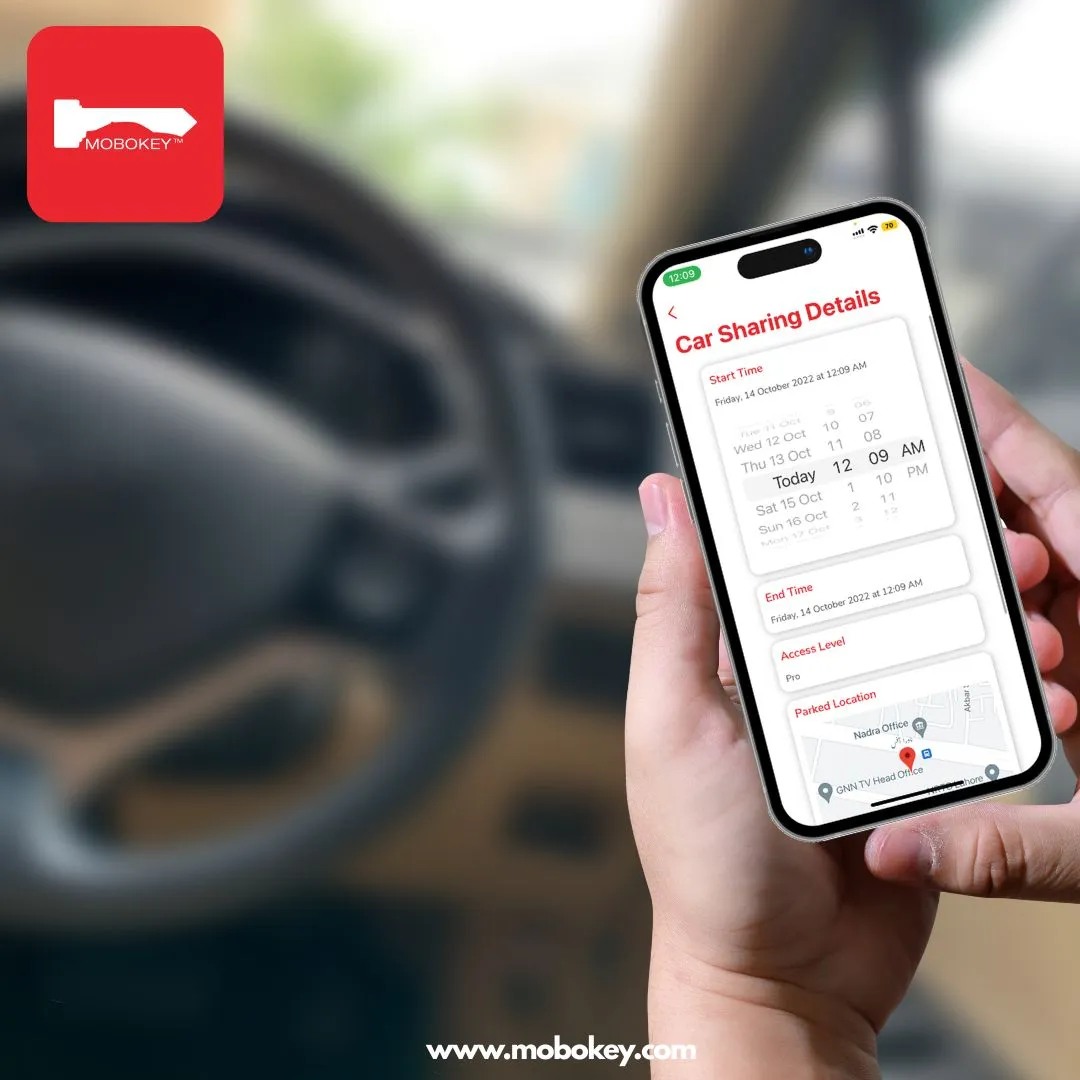
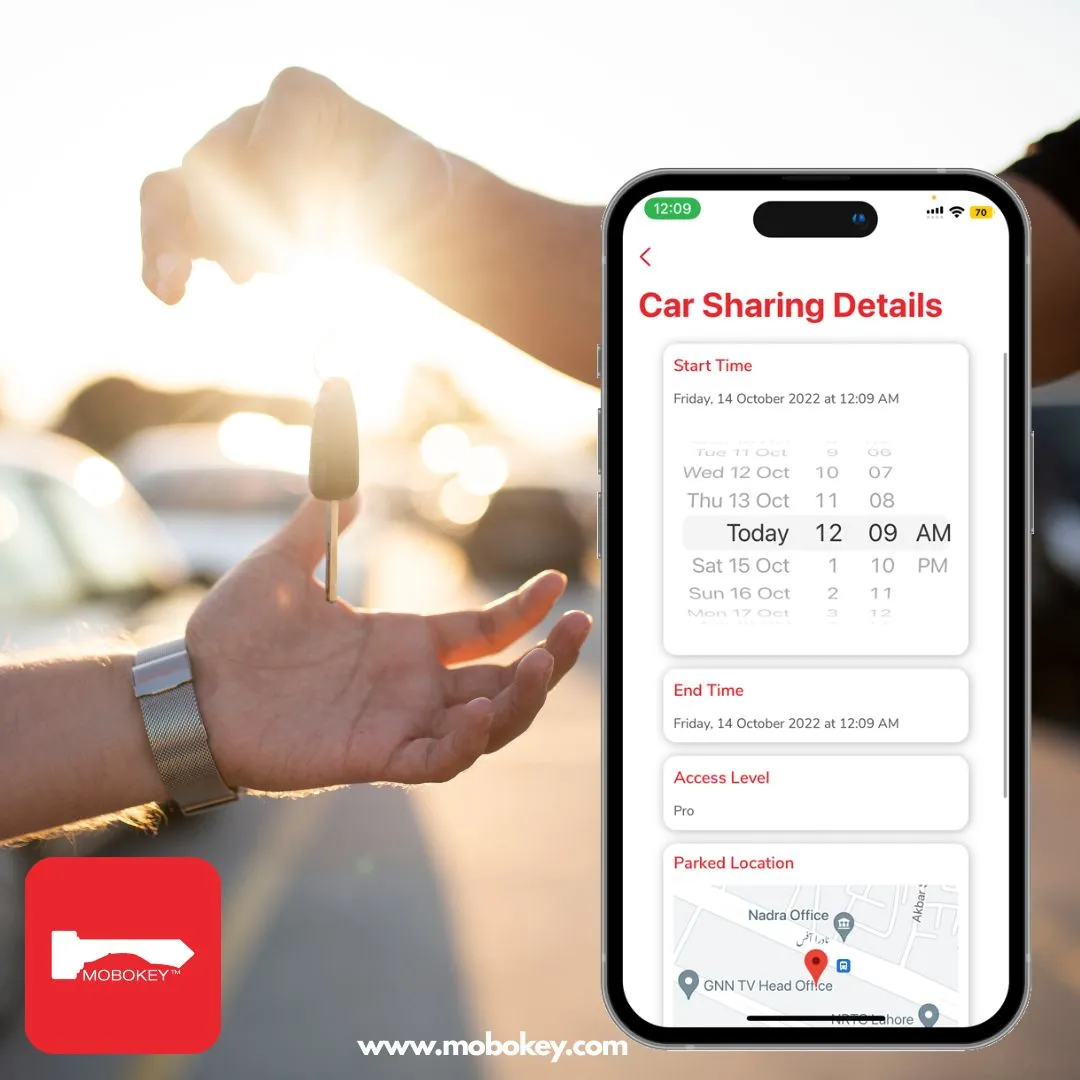
For car-sharing hosts, MoboKey provides a way to grant temporary access to users with ease. By sharing a digital key that expires after the rental period, hosts can control access without needing to meet each renter in person. The proximity feature makes this process smoother by locking and unlocking the car based on each renter’s movements.
What Makes MoboKey’s Proximity Feature Different?
Unlike traditional keyless entry systems that work within a limited range. MoboKey allows users to customize the activation distance, providing greater flexibility and control. Furthermore, this proximity feature is seamlessly integrated with MoboKey’s other functionalities. Such as digital key sharing, making it an all-in-one solution for smart, secure car management. New to the underlying technology? Start with how a digital car key works.
Conclusion: Elevate Your Car’s Security and Convenience with MoboKey
The proximity auto-lock/unlock feature offered by MoboKey is more than a convenience; it’s an upgrade in security, peace of mind, and efficiency. Perfect for busy car owners, car-sharing hosts, and fleet managers, MoboKey’s smart solution offers a seamless experience that makes securing your car easier than ever.
With MoboKey, step into the future of automotive technology and enjoy the benefits of a car that automatically locks and unlocks based on where you are. Say goodbye to fumbling for keys or worrying about whether your car is locked. MoboKey’s proximity auto-lock/unlock has you covered.
If you haven’t got your MoboKey device, you are left out on so many things. Get Mobokey now. Order here!
Download your application here: Go to Play Store or App Store!
Get more info about MoboKey: An App which is your Smartphone Car Key
Frequently Asked Questions: Proximity Keyless Entry
What is proximity keyless entry on a car?
It is a system that unlocks the car automatically when its authorized key — a fob or, with MoboKey, your smartphone — comes within range, and locks it again as the key moves away. No buttons or physical keys are involved in daily use.
How does the car know it is me approaching?
The MoboKey device holds an encrypted Bluetooth pairing with your specific phone. It measures signal proximity from that authenticated device only — another phone, or an unpaired device, gets no response from the car.
Will my car unlock accidentally if I walk past it?
You control the activation range in the app. Set a short unlock distance and the doors only open when you are genuinely at the car; set a wider lock distance and the car secures itself early as you leave. Testing a few ranges for your parking situation takes minutes.
Is proximity entry safer than a key fob?
Phone-based proximity entry avoids the fob’s main weakness: a constantly broadcasting signal that relay thieves amplify. MoboKey transmits only within an authenticated, encrypted Bluetooth session — there is no always-on key signal to capture from outside your home.
Does proximity auto-unlock drain my phone battery?
No. The feature runs on Bluetooth Low Energy, which is designed for continuous background use at a tiny fraction of the power of cellular or Wi-Fi. Most users notice no difference in daily battery life.
Can renters and family members use proximity unlock too?
Yes. Every digital key you issue — to family, friends, or renters — carries the same hands-free experience during its valid window. When the key expires or you revoke it, proximity access ends with it.