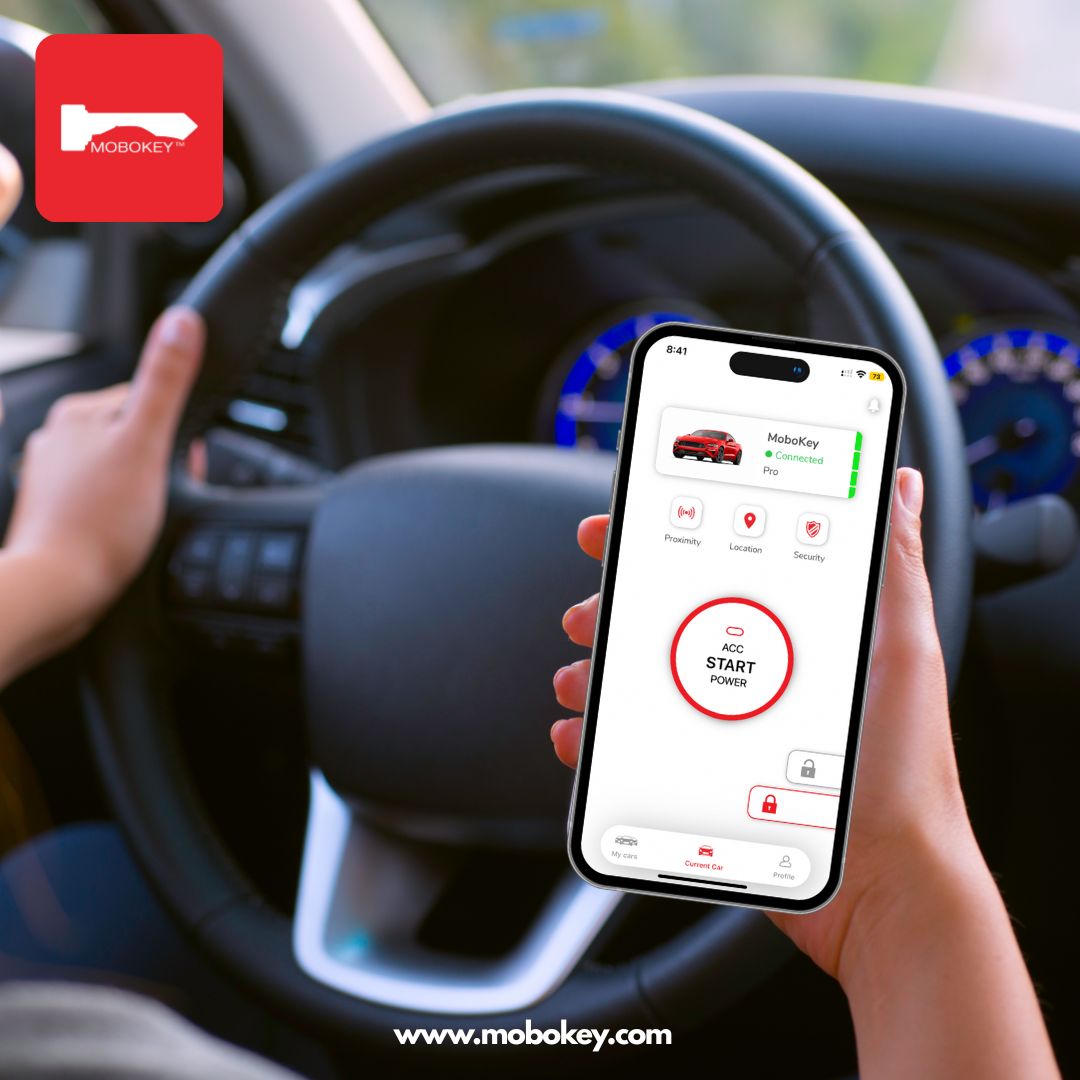
Remember the days of fumbling for a spare key or waiting by the door for a family member to return the car? With the MoboKey Keyless Solution, those days are officially over. By turning your smartphone into a digital car key, you can now “hand over the keys” from across the house—or across the country. Sharing your ride with family is not just convenient; it’s a fundamental shift in how your household moves. Here is your ultimate guide to share a digital car key with your loved ones using the MoboKey app.
Step 1: Get the Family App-Ready
Before you can send a digital key, the receiver needs a “digital wallet” to hold it.
-
Download: Have your family member download the MoboKey App from the App Store or Play Store.
-
Register: They must create their own account using their email address. Pro Tip: Make sure they give you the exact email address they used for registration.
Step 2: Sending the Digital Key
As the car owner, you have full control over who drives your vehicle and for how long.
-
Open the App: On your main car control screen, tap the “Share” button.
-
Add User: Enter your family member’s registered email address.
-
Define Permissions: Set the Access Level based on your trust level:
-
Basic: Allows locking and unlocking.
-
Plus/Pro: Grants full access, including remote engine start.
-
-
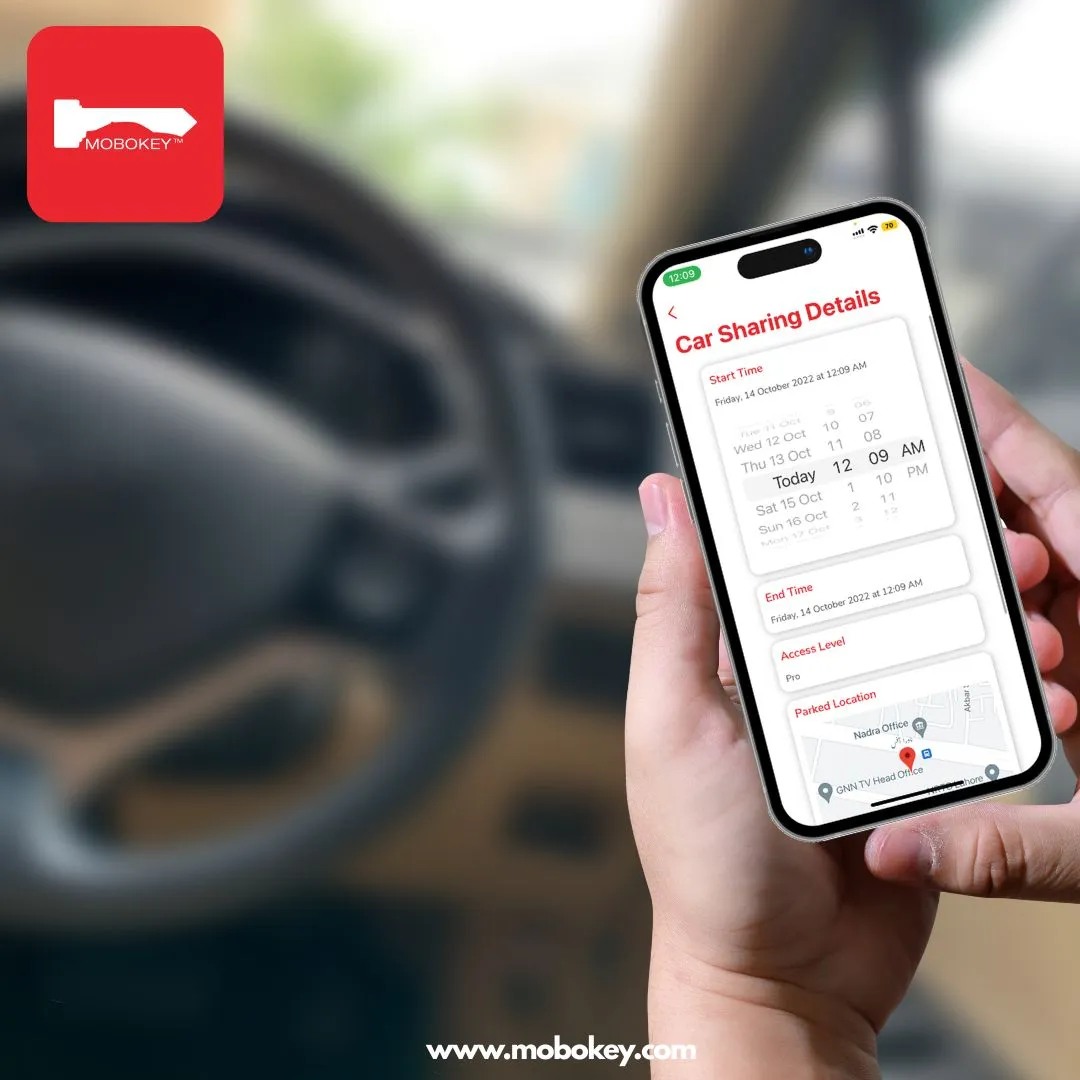
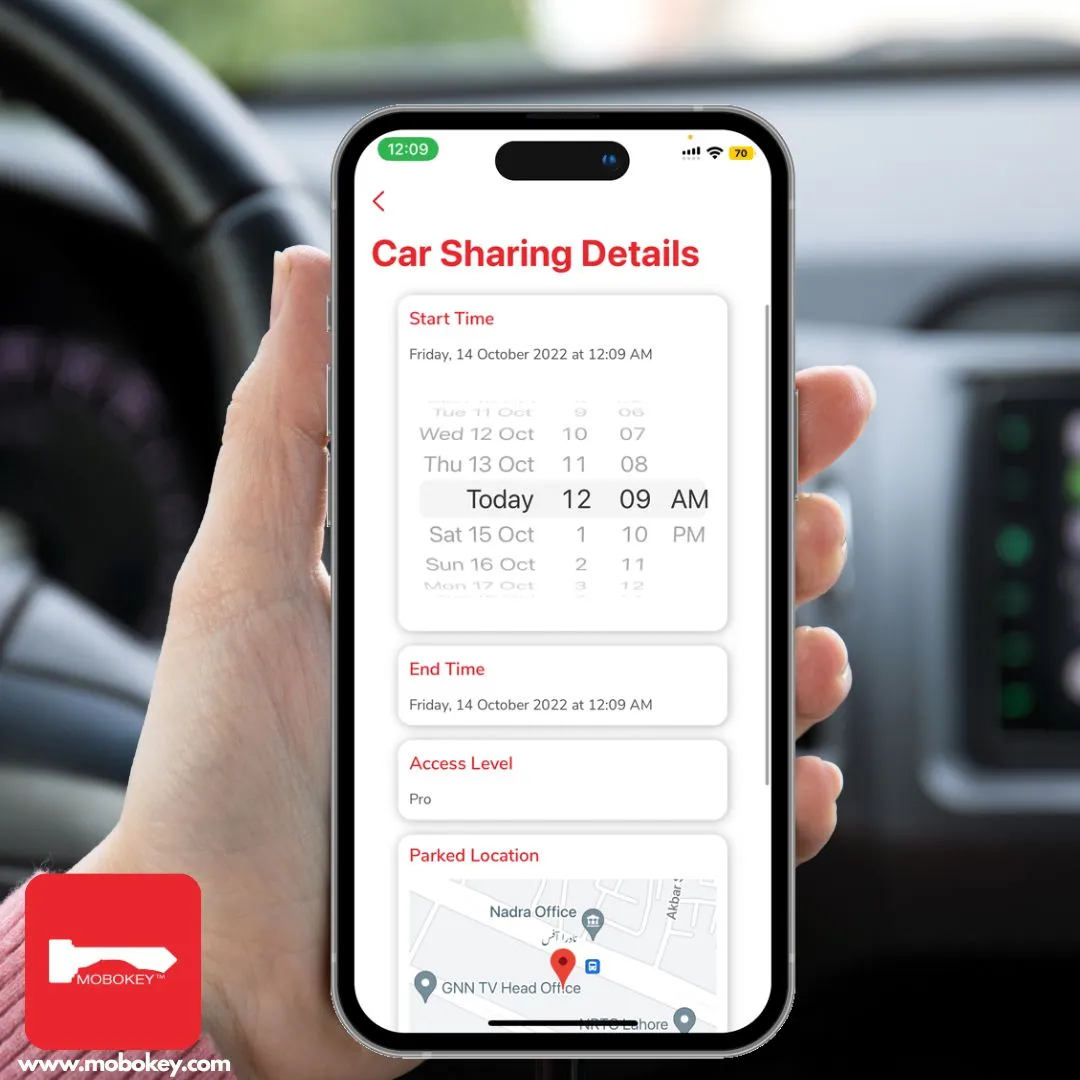
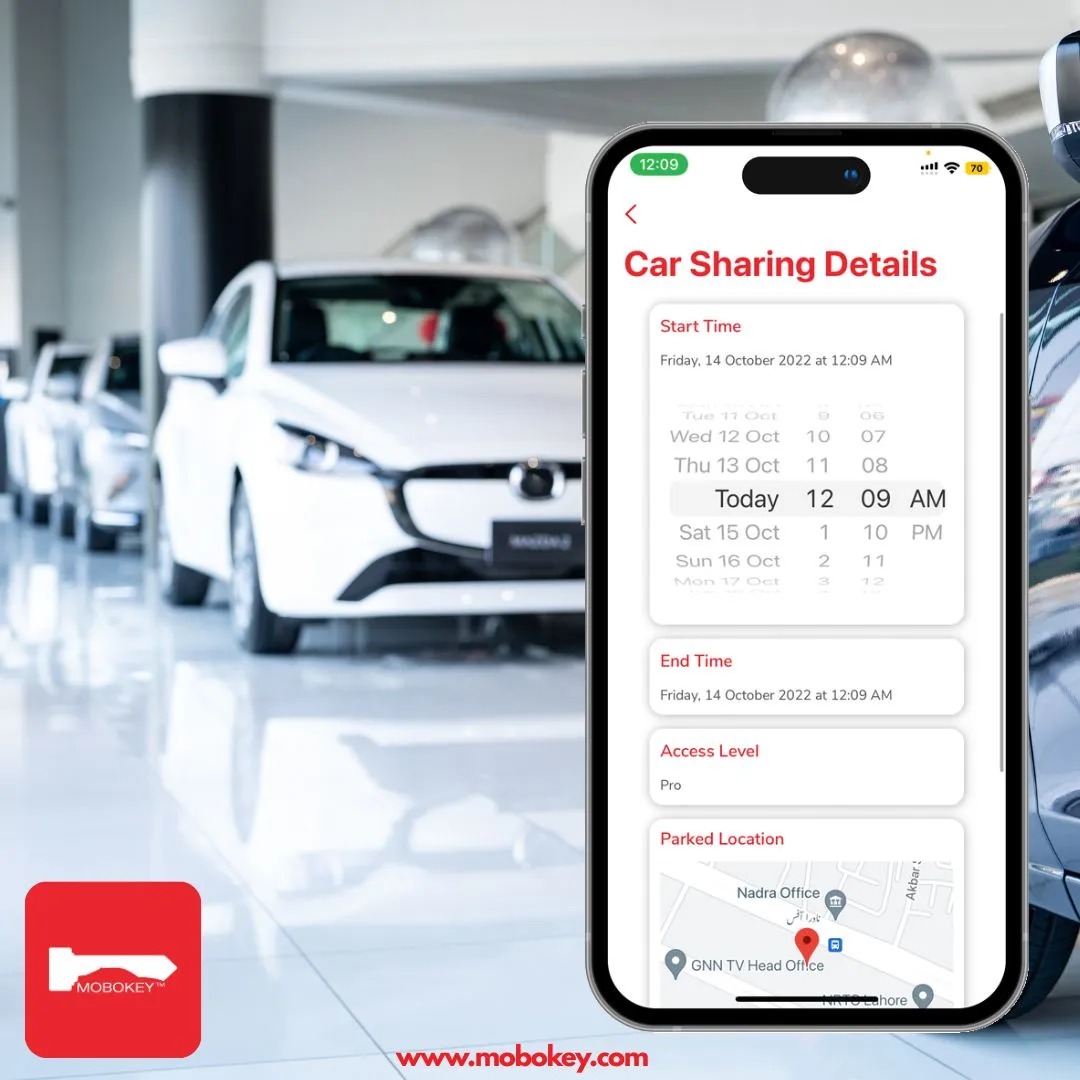
Set the Schedule: This is the best part! You can grant Permanent Access for a spouse or Time-Bound Access for a child or a guest visiting for the weekend. You define the exact start and end times.
Step 3: Acceptance and Activation
Once you hit “Share,” your family member will receive an instant notification in their app.
-
The Invitation: They simply tap the notification to accept the shared car.
-
Seamless Sync: The car will appear in their “Shared Car List”. As soon as they are within Bluetooth range, their phone will act as the digital key.
Why Sharing Digitally is Safer than a Physical Key
Security is often a concern when it comes to family vehicles, but digital keys actually offer more protection than a piece of metal.
-
AES Encryption: All communication between the phone and the car is encrypted, making it nearly impossible for signal interceptors to steal the “key”.
-
Instant Revocation: If a family member loses their phone or you simply need to revoke access, you can delete their digital key instantly from your app.
- Remote Kill Switch: In case of an emergency, the owner retains the power to remotely disable the engine.
Conclusion: Modern Sharing for the Modern Family
MoboKey isn’t just a gadget; it’s a platform that simplifies your life. Whether you’re coordinating school runs or letting a sibling borrow the car for an errand, sharing a MoboKey digital key ensures that access is always secure, tracked, and most importantly, frictionless.
Would you like me to explain how to set up the Proximity Unlock feature so the car is ready and waiting the moment your family members approach it?