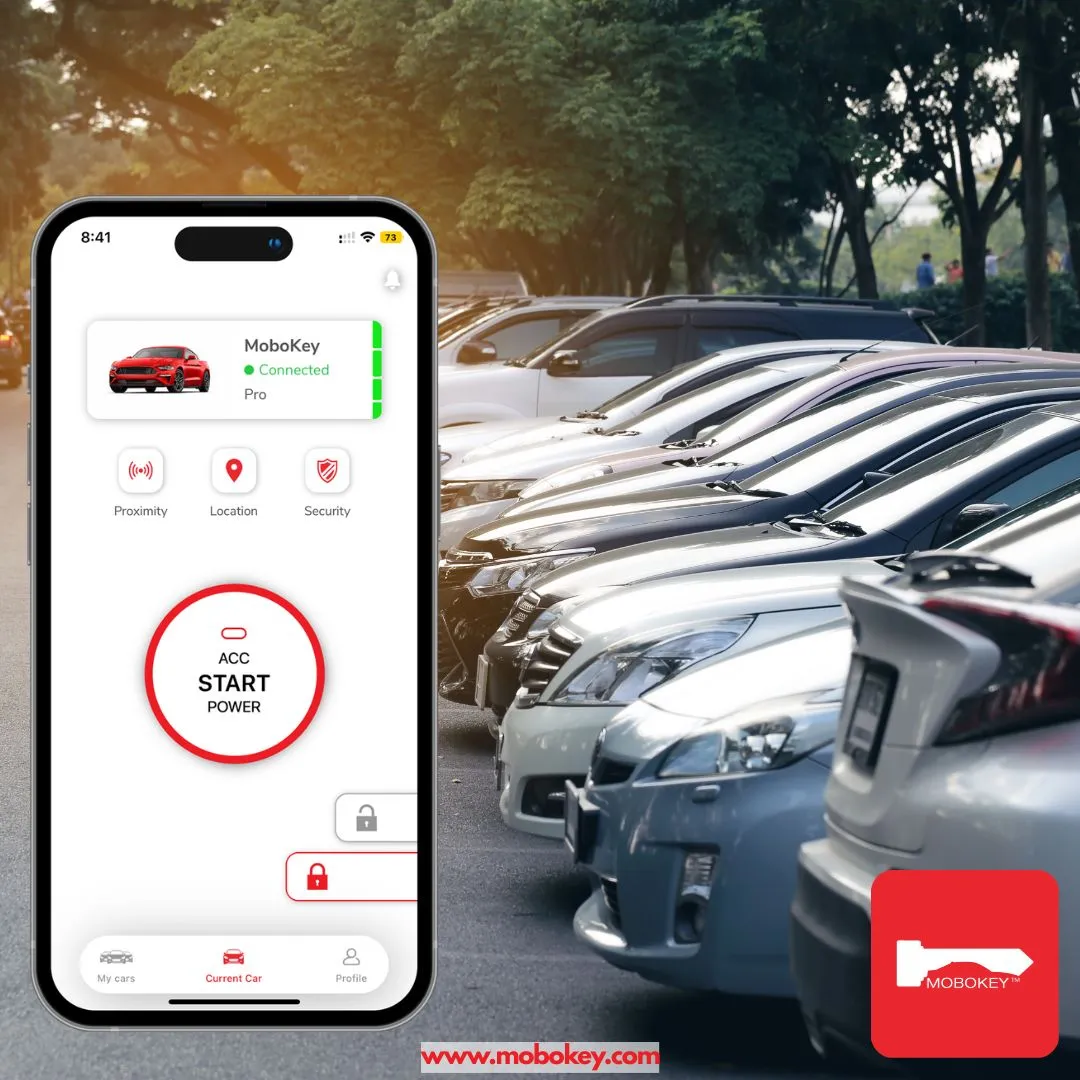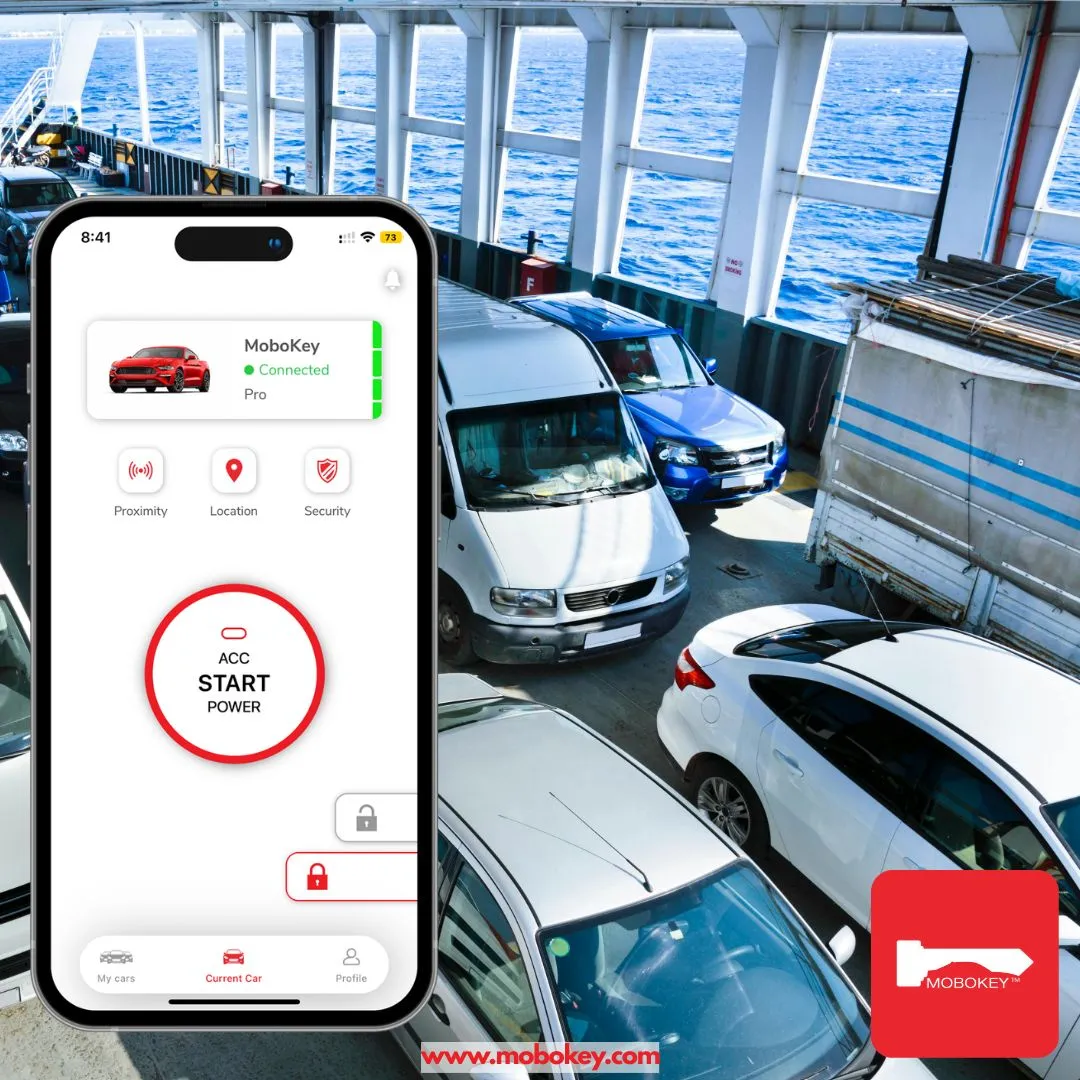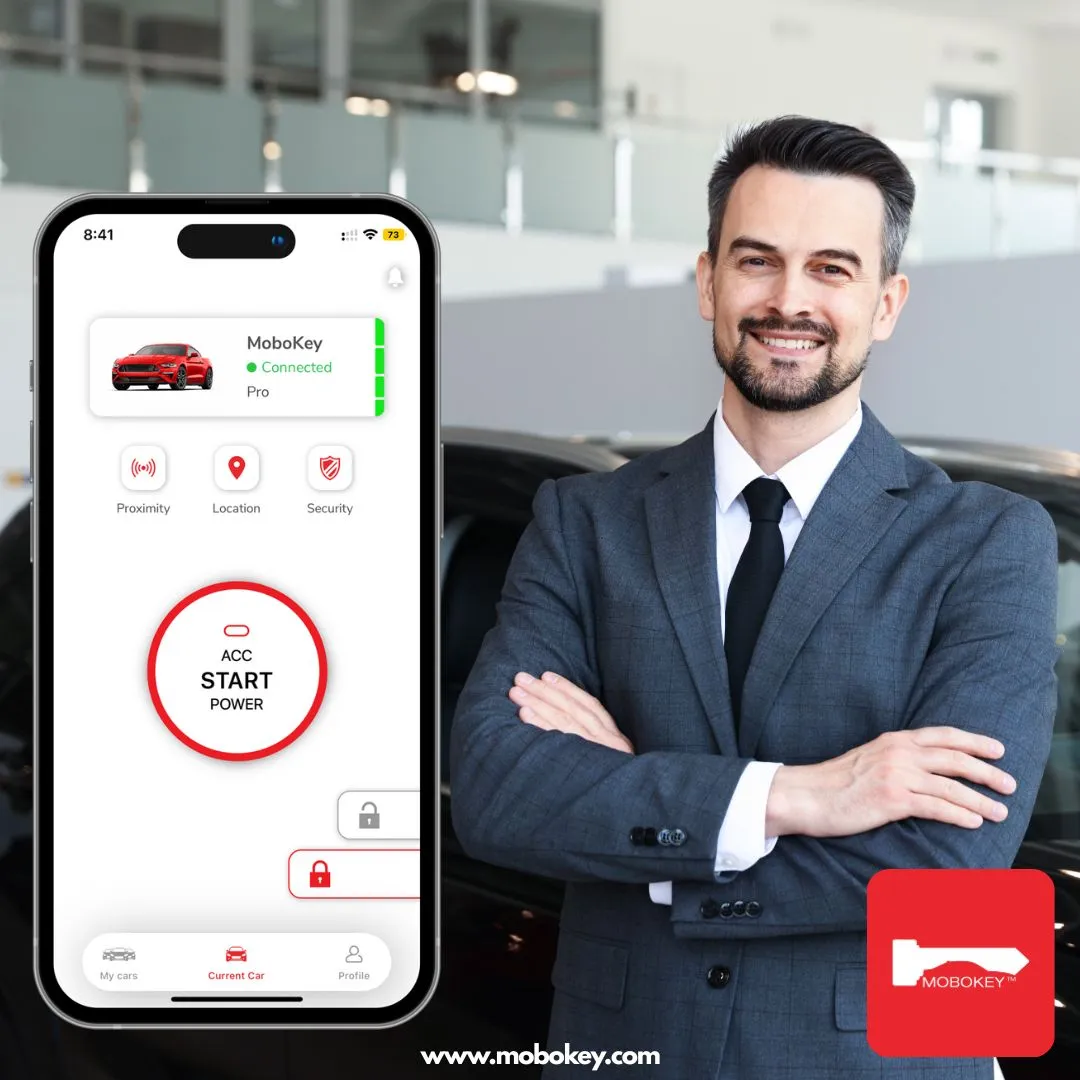

The first step to a keyless life is getting the right tools on your smartphone. Whether you’ve just purchased a MoboKey device or you’re a renter about to access a shared vehicle, you’ll need the official MoboKey App to bridge the gap between your phone and the car. Fortunately, downloading the MoboKey app is as simple as getting any other utility from your favorite store.
Official Download Links
MoboKey is fully compatible with both major smartphone ecosystems. You can find the app by searching for “MoboKey” in your respective app store or using the direct links below:
-
For Android Users: * Store: Google Play Store
-
Requirements: Compatible with most modern Android devices. The app is updated regularly to ensure it is “Android 16 Ready”.
-
-
For iPhone & Apple Watch Users: * Store: Apple App Store
-
Requirements: Requires iOS 12.0 or later. For those who want to unlock their car from their wrist, it also supports watchOS 8.5 or later.
-
What to Expect After the Download
Once you’ve tapped “Install,” you’re opening up a world of digital features designed to make car ownership and sharing effortless.
1. Instant Digital Setup
After downloading, you can immediately create your account. If you are a car owner, the app will guide you through the pairing process to connect with the hardware installed in your vehicle.
2. Advanced Control at Your Fingertips
The app isn’t just a simple lock/unlock button. It’s a comprehensive management tool:
-
Proximity Features: Set your car to automatically unlock as you approach and lock as you walk away.
-
Remote Start: Warm up your car from your breakfast table (Pro models only).
-
Last Parked Location: Never wander around a massive parking lot again; the app tracks where you left the vehicle.
3. Seamless Car Sharing
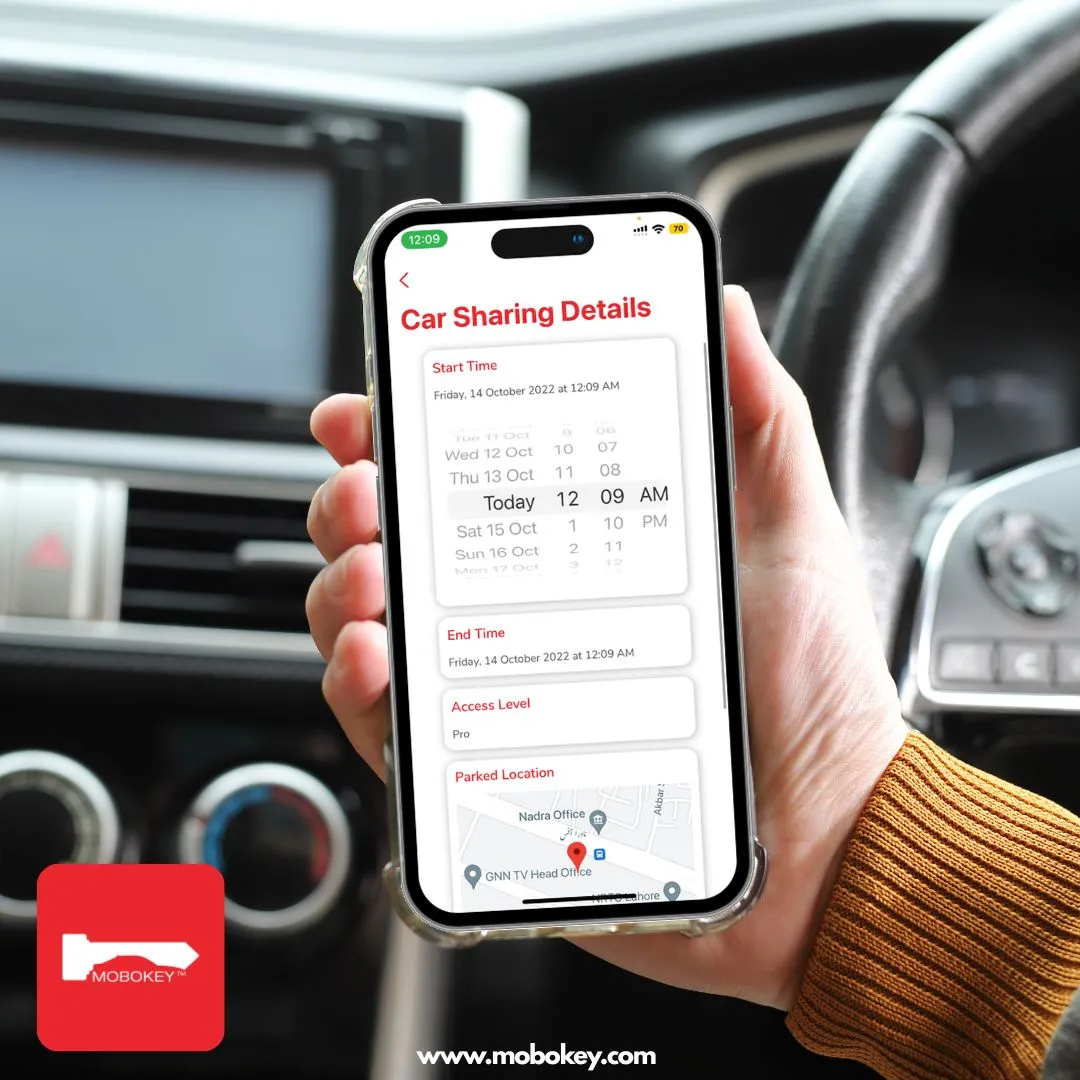
For Turo hosts or families sharing a single car, the app allows you to send digital keys to other users. You can set precise time limits and access levels, ensuring you remain in total control of your asset.
Security You Can Trust
Concerned about security? You should be. That’s why the MoboKey app uses AES-encryption for all communication between your phone and the car. This makes it significantly more secure than traditional key fobs, which are often vulnerable to signal “relay attacks”.
Ready to leave the physical keys behind? Download the app today and join the thousands of drivers already enjoying the freedom of a digital car key.
-
Download on App Store
-
Download on Play Store
Would you like me to walk you through the process of setting up your first vehicle once the app is installed?