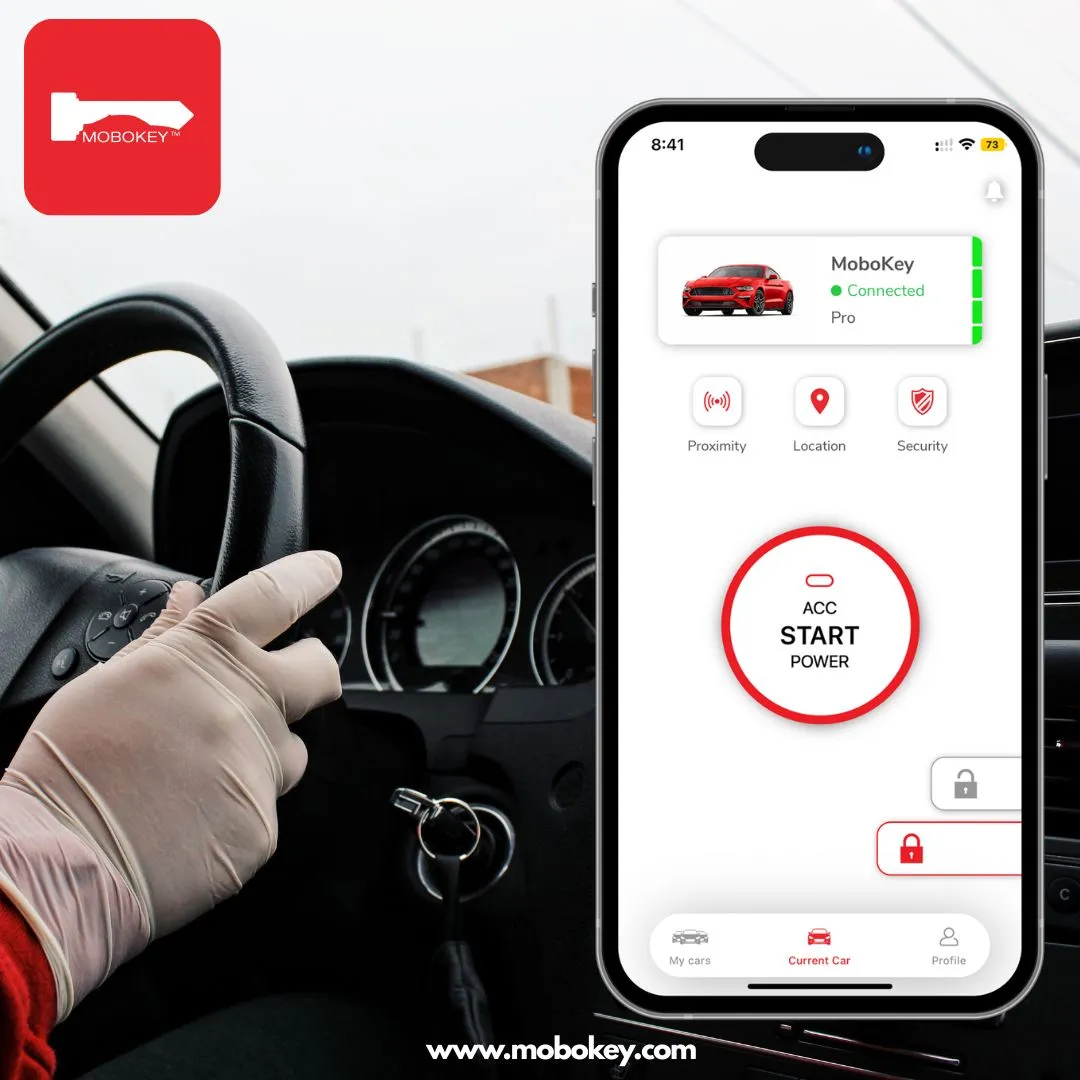
Remote car access means using your smartphone to unlock, lock, start, and locate your car, no physical key required. MoboKey adds this to over 90% of vehicles: the device installs in the car, pairs with your phone over Bluetooth, and works within 100 to 350 feet with no internet needed. Walk up and the doors unlock hands-free. Walk away and they lock. And when you forget where you parked, the app shows your car’s exact location.
Phone-based access has moved from luxury feature to daily expectation. Nearly every American adult now carries a smartphone, Pew Research puts ownership above nine in ten, which means the best car key is already in your pocket. MoboKey connects it to the car you already own.
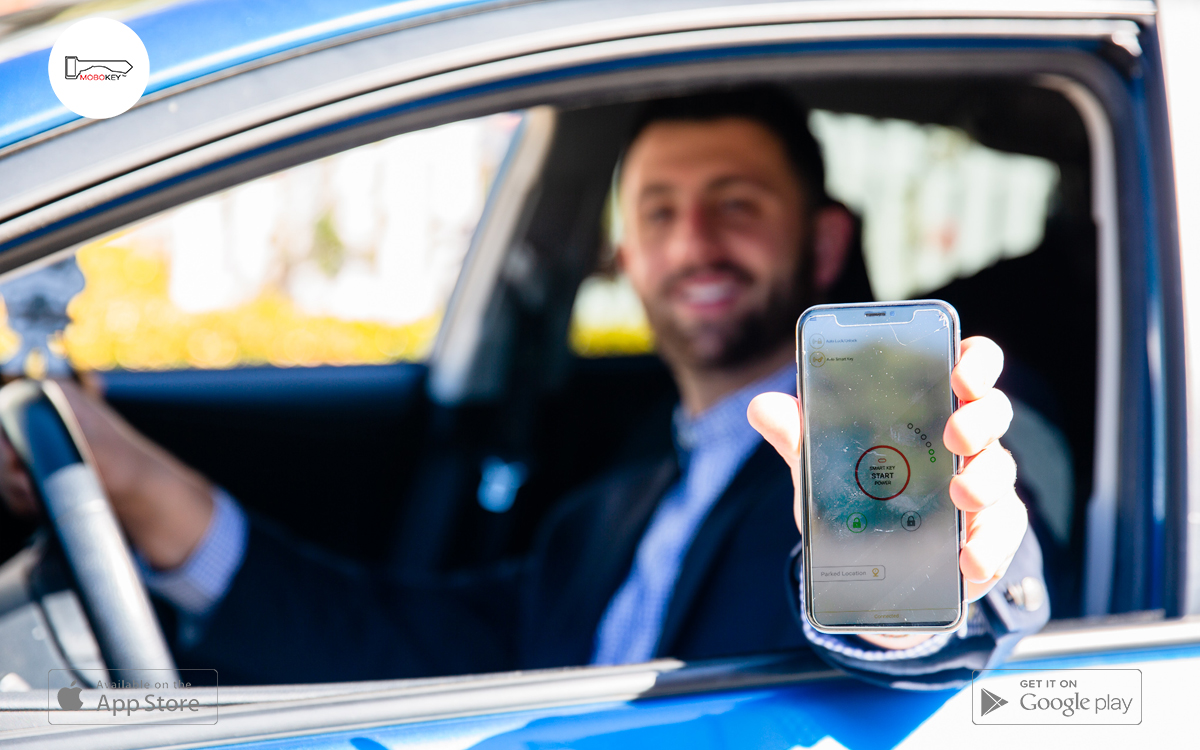
MoboKey app makes sure that you can start your car with a smartphone without the car keys.
Is There an App to Find My Car? Yes, Here Is How It Works
Everyone loses their car eventually: airport garages, stadium lots, unfamiliar streets. A find-my-car app solves it by remembering the parking spot so you do not have to.
MoboKey does this automatically. When you park and walk away, the app saves the car’s last parked location, no pin-dropping, no screenshots of level numbers. Later, open the app, tap Last Parked Location, and follow the map straight to your car.
Furthermore, the same feature works across drivers. If your spouse parked the car last night, the app still knows where it sits. Car sharing operators use it to see exactly where every renter left every vehicle. Read more about how MoboKey tracks your car’s location without GPS hardware, and with no monthly subscription.
Once you reach the car, the same app unlocks it. That combination — find it, then open it — is what a standalone parking-pin app cannot do.
Locked Out? How to Open a Locked Car Door with Your Phone
A phone-based key ends the classic lockout. With MoboKey, your phone unlocks the car — so keys locked inside the vehicle stop being an emergency. Additionally, hands-free auto unlock opens the doors as you approach, which means you cannot walk away from an openable car.
Shared digital keys add a second safety net. Family members you authorize can unlock the car from their own phones, wherever they are. No spare key hidden under the bumper, no locksmith bill.
If you are locked out right now without MoboKey installed, work through our step-by-step guide: locked keys in your car — what to do. Then make it the last time.
Remote Car Access: Everything Your Phone Can Do with MoboKey
| Function | How it works |
|---|---|
| Unlock / lock | Hands-free as you approach and leave, or one tap in the app |
| Start / stop the engine | Remote start from up to 100–350 ft over Bluetooth |
| Find your parked car | Last parked location saved automatically |
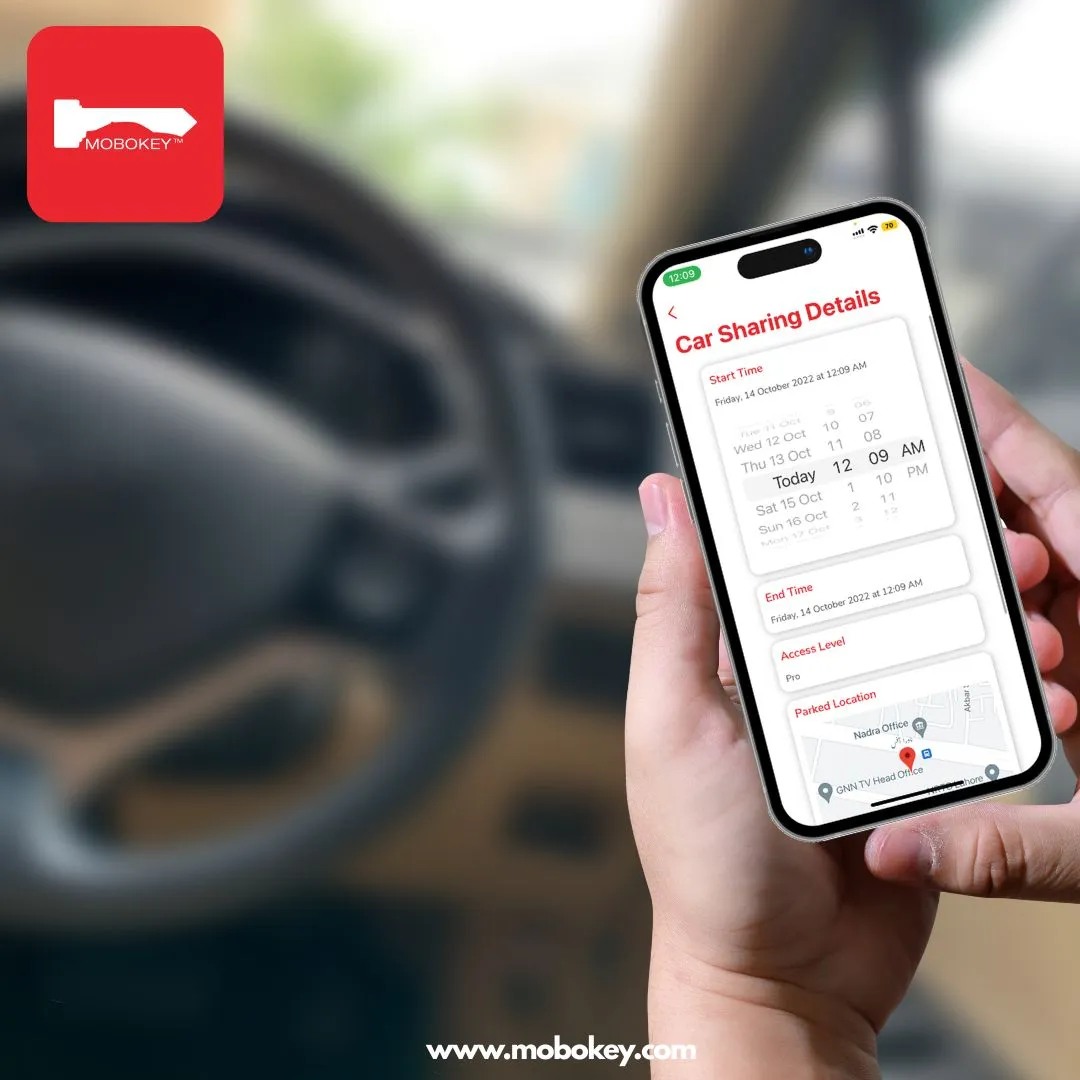
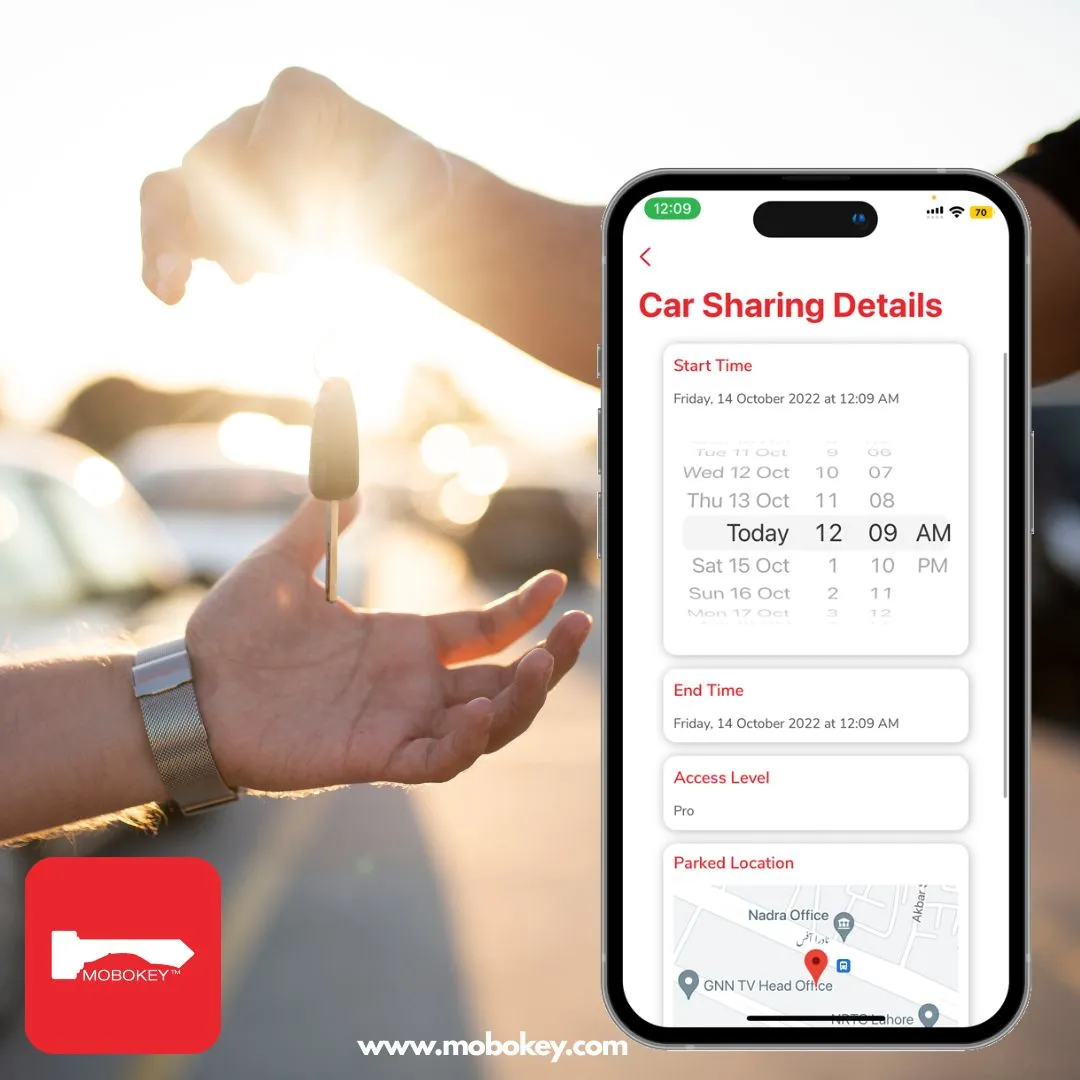
| Share access | Time-bound digital keys for family, friends, or renters |
| Secure the vehicle | Remote kill switch and instant key revocation |
Everything runs over encrypted Bluetooth, so access works in underground garages and dead zones where internet-dependent systems fail. Moreover, there is no subscription: MoboKey is a one-time hardware cost.
The same device powers remote start from your smartphone and retrofits digital keys onto older cars — see the full list of compatible vehicles.
Remote car access and unlock your car with MoboKey
Mobokey is redefining car access by allowing remote lock and unlock. Not only locking but you can start your car with a smartphone app as well. The most important part of remote access is undoubtedly unlocking the car, this is why we make sure that you are able to lock and unlock their cars with great ease. Similarly, with the remote start, you can start and stop your car from as far as 100 meters.
It also removes the hassle of carrying car keys all the time. As you move toward the car, the app automatically connects with the car. When you approach the car, it unlocks and when you sit in it, it starts the car, without you doing anything at all. Mobokey uses Bluetooth smart to perform all the functions.
Frequently Asked Questions: Remote Car Access
How do I unlock my car with my phone?
Install a MoboKey device in the vehicle and pair it with the app on iOS or Android. From then on, the doors unlock hands-free as you approach with your phone, or with one tap in the app. The connection runs over encrypted Bluetooth, so it works without internet.
Is there an app that helps me find my parked car?
Yes. The MoboKey app saves your car’s last parked location automatically every time you park. Open the app, tap Last Parked Location, and navigate straight to the vehicle. It works across drivers too — you can find the car no matter who parked it.
What happens if my phone battery dies?
Your physical key still works normally, MoboKey adds phone access without removing the original key. Additionally, anyone you have shared a digital key with can unlock the car from their own phone.
How far away can I unlock or start my car?
MoboKey’s Bluetooth connection works within 100 to 350 feet of the vehicle, depending on surroundings. Hands-free auto unlock triggers as you walk into range. Remote start works across the same range — enough to warm up the car from inside your home or office.
Which cars work with remote car access?
MoboKey installs on over 90% of vehicles, key-start and push-start, automatic and manual, from 1990s models to current ones. Professional installation typically takes one to two hours.
Does remote car access require a monthly subscription?
No. MoboKey is a one-time hardware purchase with no monthly fees, no annual fees, and no subscription. Unlocking, remote start, parked location, and key sharing are all included permanently.
You can read more here about car sharing and auto security on our blog.
Download your application here: Go to Play Store or App Store!
Connect your car now. Order here!