The days of frantic pocket-patting to find your car keys are fading fast. Today, digital car key technology is transforming smartphones into highly secure, universal remote controls for our vehicles. Whether you are managing a rental fleet or just want to lighten your keychain, the shift to smartphone-based vehicle access is the biggest automotive convenience upgrade of the decade. But how exactly does your phone “talk” to your car securely? Let’s break down the technology behind the magic.
What is a Digital Car Key?
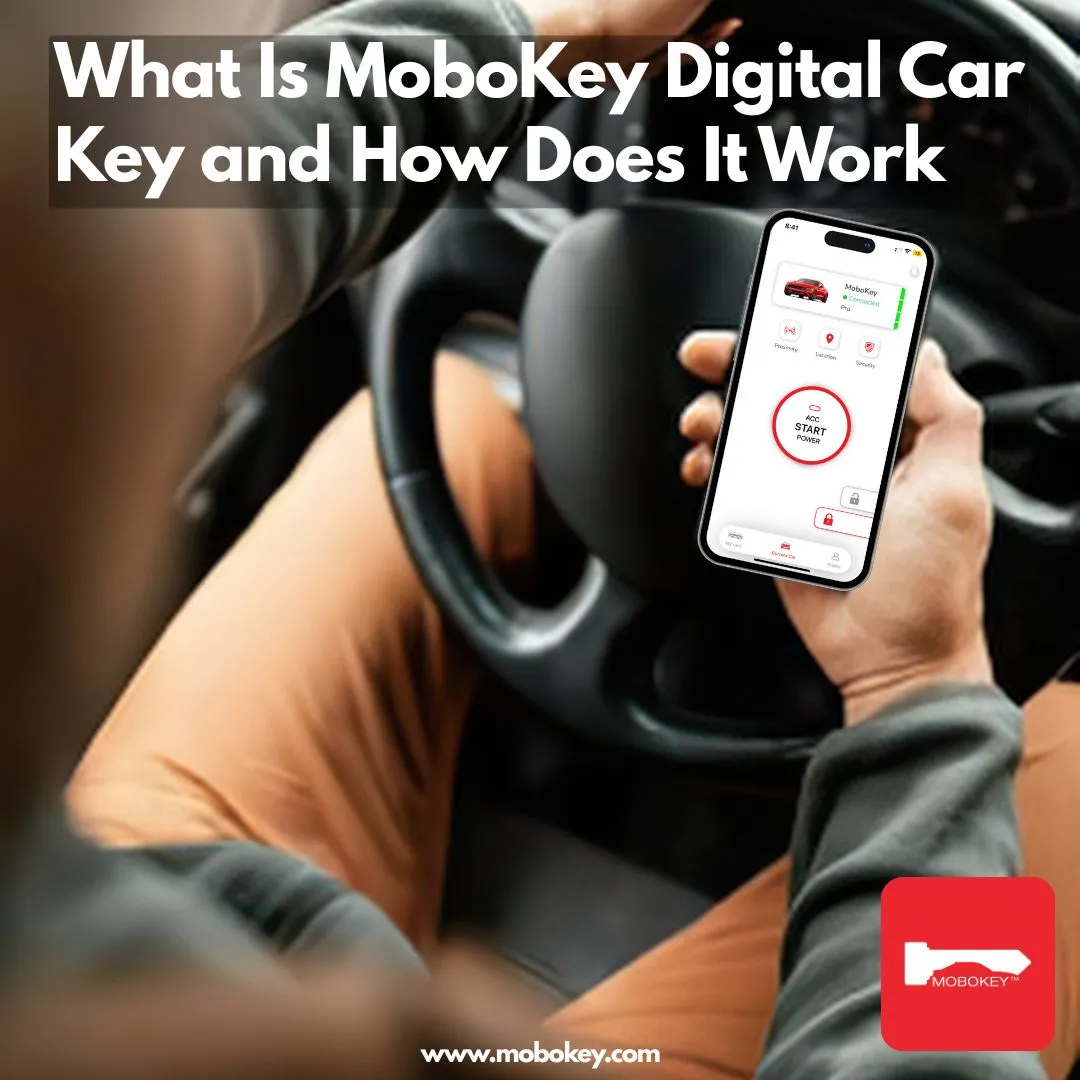
A digital car key is exactly what it sounds like: a virtual, encrypted version of your physical car key stored safely inside your smartphone. Think of it like a digital boarding pass for a flight or a mobile hotel room key. Instead of inserting a metal blade into a lock or pressing a button on a plastic fob, your phone securely transmits an authorized access code to the vehicle. When the car recognizes this secure code, it unlocks the doors and allows the engine to start.
The Technology Behind Digital Keys (BLE vs. NFC)
Digital keys rely on short-range wireless communication to verify your identity. The two most common forms of this technology are BLE (Bluetooth Low Energy) and NFC (Near Field Communication).
Here is how they compare in simple terms:
| Technology | How It Works (The Analogy) | Range & Use Case |
| NFC (Near Field Communication) | The Secret Handshake: Requires your phone to physically tap or be within an inch of the car’s door handle. | Very short range. Perfect for backup access if your phone battery dies (using a backup NFC card). |
| BLE (Bluetooth Low Energy) | The Walkie-Talkie: Allows your phone and car to communicate continuously from a distance without draining your battery. | Medium range (up to 30 feet). Enables “passive entry”—the car unlocks automatically as you walk up to it. |
Platforms like MoboKey primarily utilize BLE because it provides the seamless “Arrive and Drive” experience, allowing you to keep your phone in your pocket while accessing the vehicle.
How to Set Up a Digital Key on Your Smartphone
Transitioning to a digital key is surprisingly straightforward. For aftermarket systems, it generally follows three simple steps:
-
Install the Hardware: A compact receiving module is installed in your vehicle, connecting to the central locking and ignition system.
-
Download and Pair: You download the dedicated mobile app and create a secure account. Using a unique pairing code, you securely link your smartphone’s Bluetooth to the car’s new hardware module.
-
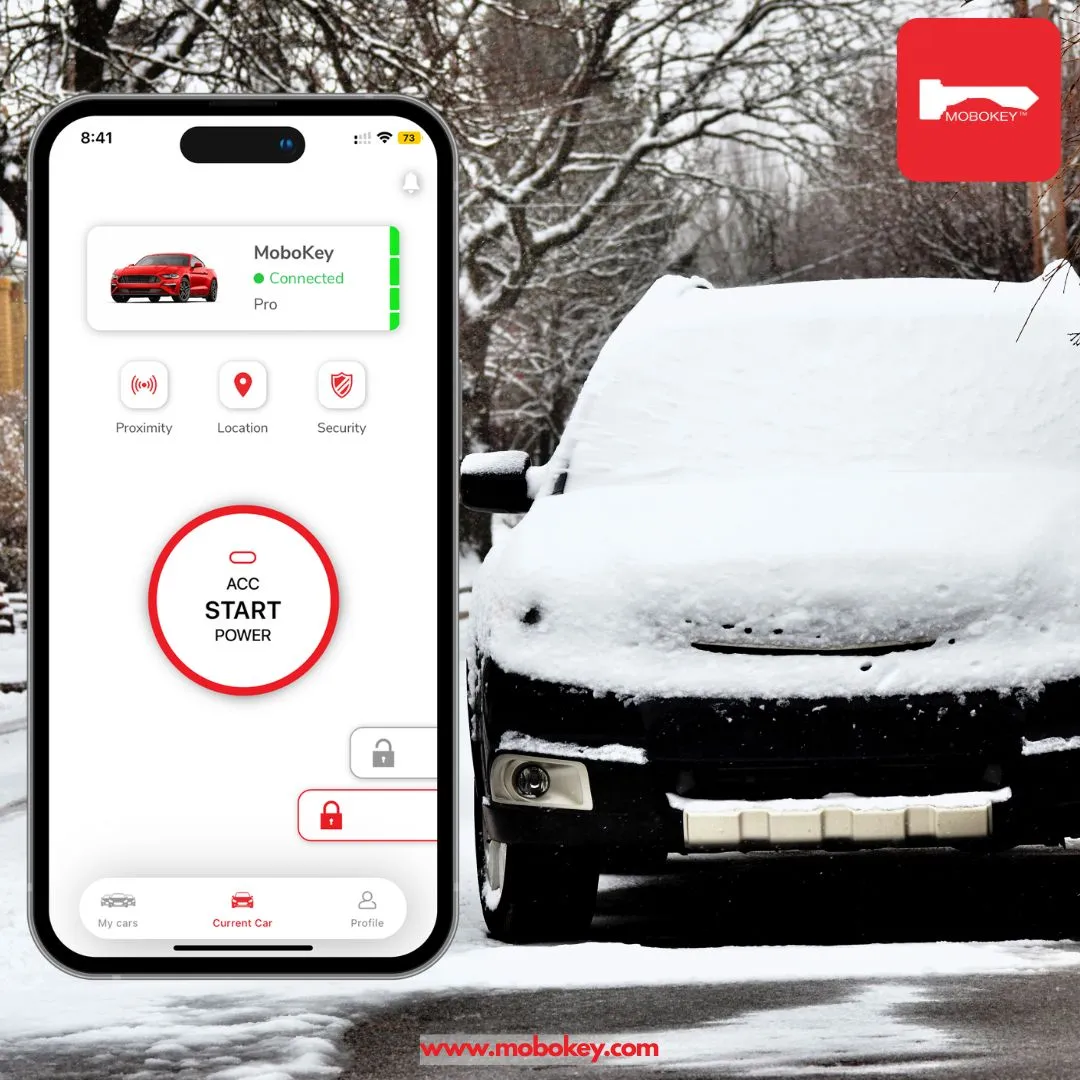
Drive: Once paired, your phone stores an encrypted token. You can now use the app’s dashboard to lock, unlock, and start the car.
Key Features: Remote Locking, Sharing, and Tracking
The true magic of digital car key technology isn’t just replacing plastic. It’s what you can do with the software.
-
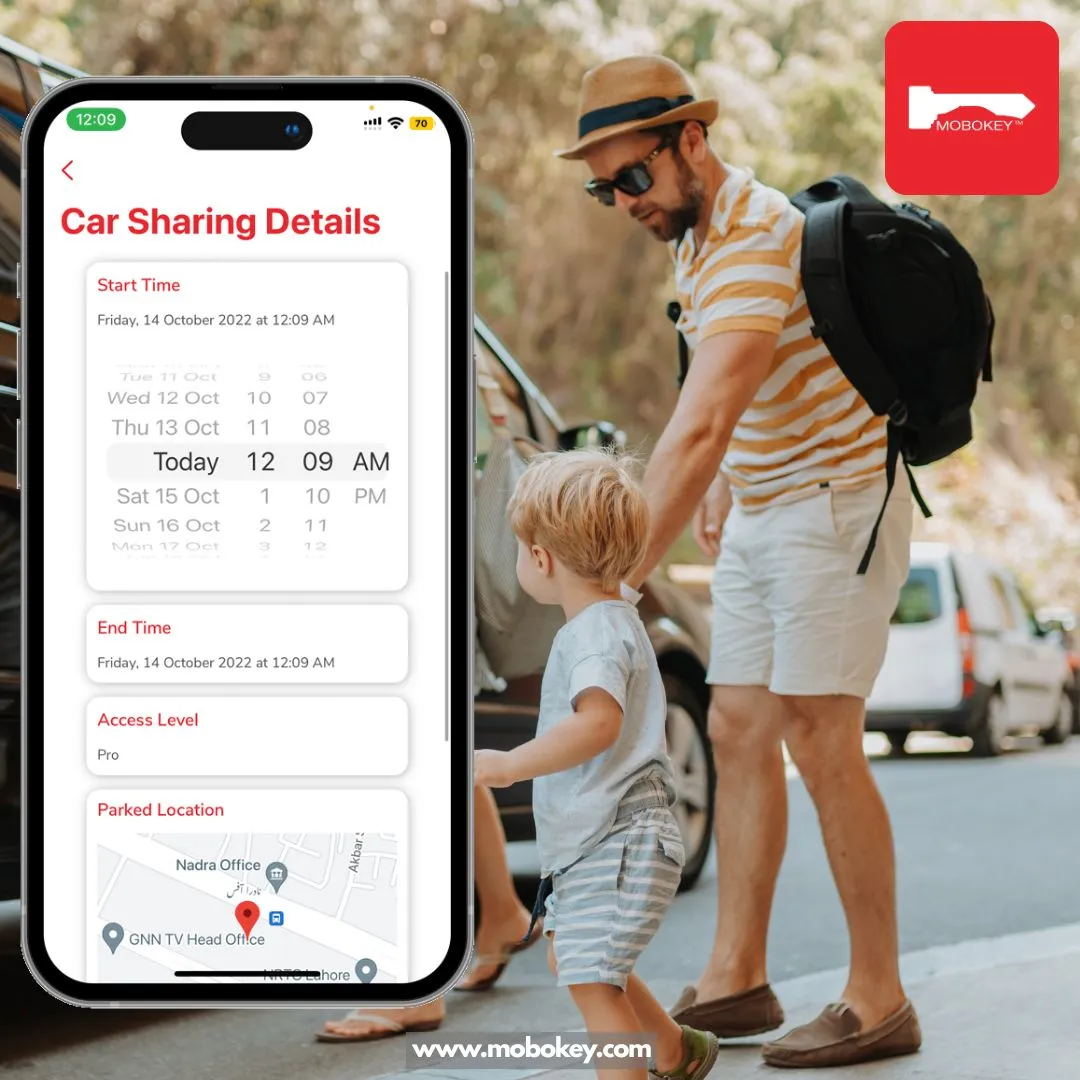
Instant Key Sharing: Need to lend your car to a friend or a renter? Instead of meeting up to hand over a physical key, you can text them a virtual key that works only for a specific time window.
-
Remote Control: Lock or unlock your doors, pop the trunk, or start the engine from your phone screen.
-
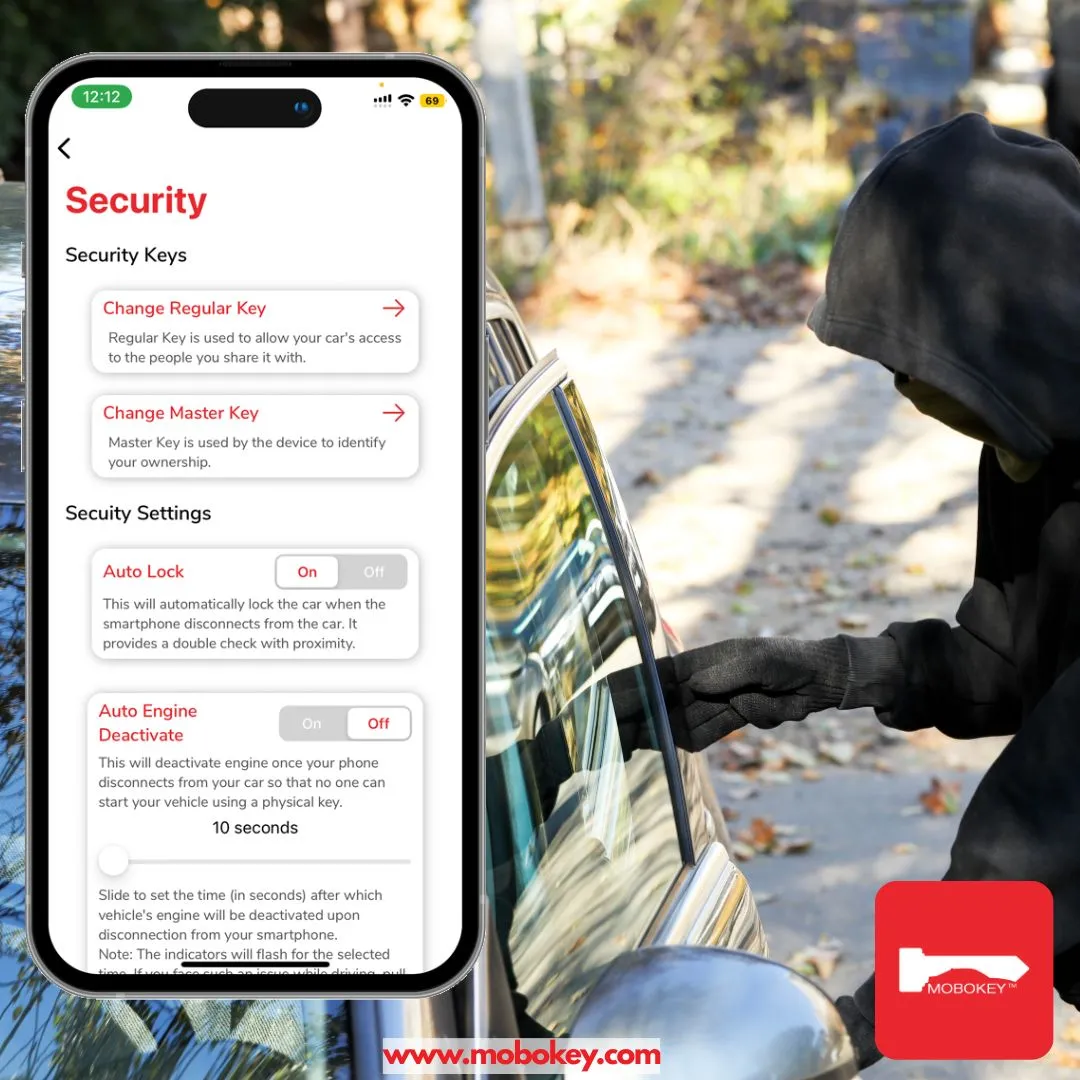
Security & Tracking: Digital systems maintain a perfect access log, showing you exactly who unlocked the car and when.
Want to dive deeper into how this protects your assets? Explore the full Benefits of Digital Keys.
Future of Car Access: UWB and Beyond
While BLE and NFC are the current standard, the future of car access lies in Ultra-Wideband (UWB). Think of UWB as an ultra-precise, indoor GPS for your phone. It can measure the exact distance and direction of your phone relative to the car down to the centimeter, making it virtually impossible for thieves to intercept or “relay” the signal.
As technology evolves, the physical car key will soon be as obsolete as the cassette player.
Ready to ditch your physical keys? Download our app to get started. Explore MoboKey Products.
Download the application here: Go to Play Store or App Store!