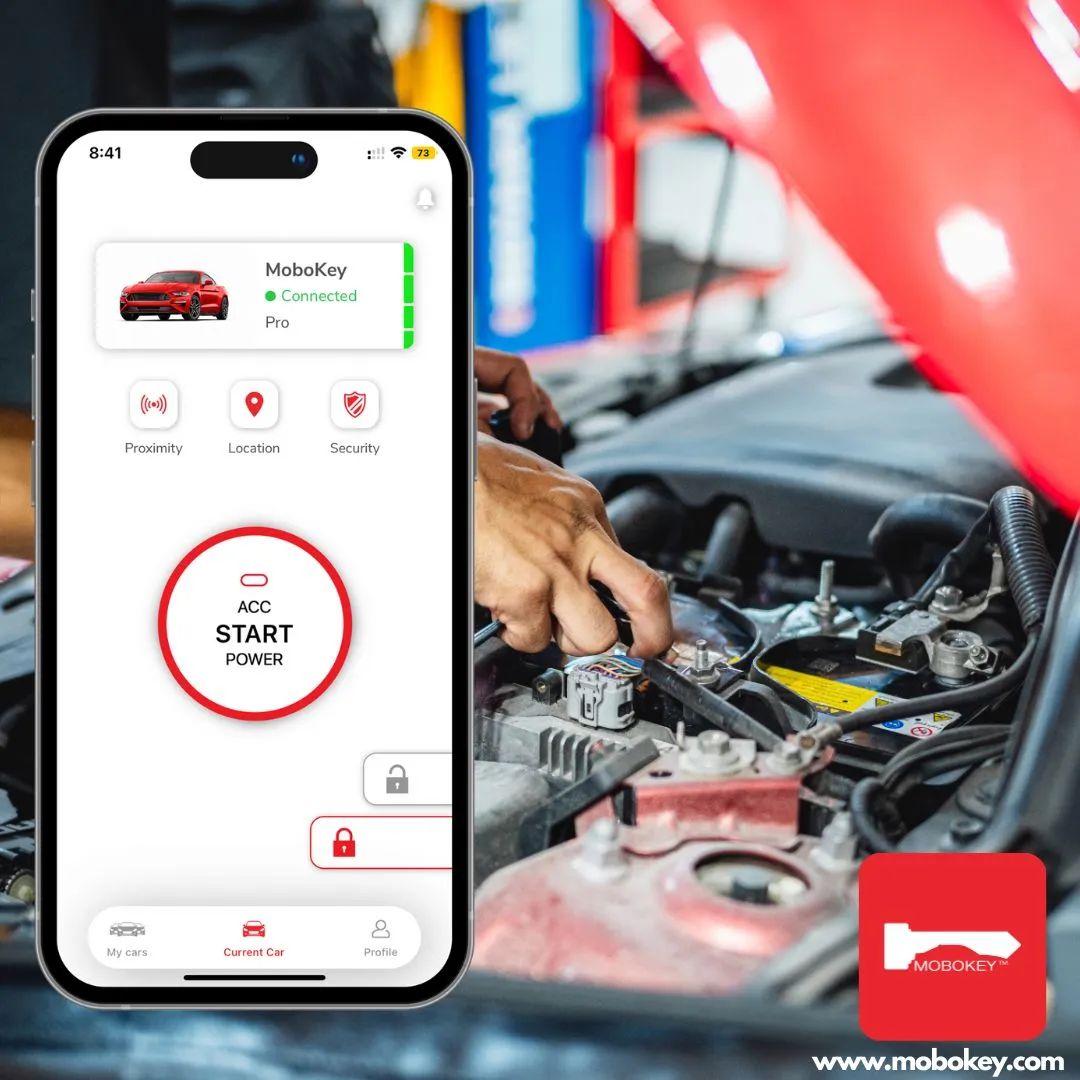
The rapid digitization of transportation has forced fleet managers to choose between two fundamentally different paths for vehicle access. Cloud-based Software Connectors (OEM APIs) and Aftermarket Hardware Integration (MoboKey). While “software-only” sounds modern and frictionless, the reality of fleet operations. Where cars are often parked in concrete garages and range from 2024 luxury models to 2015 workhorses. It demands a deeper technical look. This guide breaks down the meaningful distinctions between connecting to a car’s existing API versus installing a dedicated Bluetooth Low Energy (BLE) device.
Defining the Terms: OEM APIs vs. Aftermarket Hardware
Before choosing a path, it is vital to understand the “handshake” happening behind the scenes.
-
Software-Only (OEM API):
This method relies on the car’s factory-installed cellular module. Your management software sends a command to the manufacturer’s cloud. Then beams a signal down to the car via LTE/5G. -
Aftermarket Hardware (MoboKey):
This involves installing a dedicated BLE controller directly into the vehicle’s electrical harness. The “key” is a local encrypted handshake between the user’s smartphone and the MoboKey device. Hence, bypassing the need for an external cellular network.
Pros and Cons of OEM Software Connectors
Software-only solutions are often the first choice for managers of brand-new, single-manufacturer fleets. Because they require zero physical labor.
The Pros:
-
Instant Deployment: No technicians required. You simply “onboard” the VIN into your dashboard.
-
Rich Telematics: Pull data like tire pressure, precise fuel levels, and odometer readings directly from the CAN bus.
The Cons:
-
The “Underground” Problem:
OEM APIs require a cellular connection. If a car is parked in an underground lot, a hospital basement, or a rural “dead zone,” the digital key is effectively dead. -
High Latency:
Commands must travel from the app to the cloud, then to the OEM server, and finally to the car. This can result in a 10–30 second delay just to unlock a door. -
Subscription Fatigue:
Most OEMs now charge recurring annual fees (often $150+/year) to keep the car’s cellular “Phone-as-a-Key” features active.
Pros and Cons of Aftermarket Hardware (MoboKey)
Aftermarket hardware like MoboKey is built for reliability and autonomy, specifically targeting the “friction points” where software fails.
The Pros:
-
Offline Reliability (BLE):
Because MoboKey uses Bluetooth Low Energy, it works anywhere. Whether in a concrete bunker or the middle of a desert, the phone talks directly to the car. -
Universal Compatibility:
MoboKey works on 90%+ of vehicles, from a 2005 Toyota to a 2024 push-start SUV. This creates a unified experience across a mixed fleet. -
Zero Recurring Fees:
Most hardware solutions are a one-time investment. You own the access infrastructure rather than “renting” it from the manufacturer. -
The “Digital Kill Switch”:
Unlike software which can only “request” a lock, hardwired devices can physically interrupt the starter circuit, providing a robust anti-theft immobilizer.
The Cons:
-
Upfront Installation:
Requires a one-time 45–60 minute installation by a professional car electrician. -
Hardware Cost:
There is an initial capital expenditure (CapEx) for the device itself.
Why Hardware is Necessary for Older Fleets
The “Legacy Gap” is the biggest hurdle for modern mobility. While a 2024 model might have an API, the billions of cars manufactured between 2000 and 2020 do not. For a rental company or a construction fleet with a mix of vehicle ages, a software-only strategy is impossible.
Hardware acts as the “Universal Translator.” It brings 2024-level features—remote start, proximity unlock, and time-bound digital sharing—to vehicles that were never designed for the internet. By choosing a tech partner that offers hardware, you future-proof your legacy assets instead of being forced into expensive fleet liquidations.
Hybrid Solutions for Mixed Fleets
The most sophisticated fleet operators are moving toward a Hybrid Model. They use OEM software for their newest high-end models while deploying MoboKey hardware across the rest of their fleet.
This approach provides:
-
Unified UX: One app for the renter, regardless of the car’s age.
-
Redundant Security: Using MoboKey’s hardwired immobilizer alongside factory alarms.
-
Maximum Uptime: Ensuring that even if an OEM server goes down, your cars remain accessible via BLE.
Key Distinction: While software-only is a “bridge” to the cloud, hardware is a “foundation” for the vehicle. In the high-stakes world of car-sharing, a foundation is almost always more reliable.
Comparison Table: At a Glance
| Feature | OEM Software (API) | MoboKey Hardware (BLE) |
| Connection | Cellular (Requires Signal) | Local Bluetooth (Works Offline) |
| Latency | 10–30 Seconds | Near-Instant (<1s) |
| Compatibility | New Models Only (Brand Locked) | Universal (90% of Vehicles) |
| Costs | Monthly/Yearly Subscriptions | One-time Purchase |
| Security | Cloud-based | Hardwired Engine Kill-Switch |
Final Verdict: Which is right for you?
If you manage a brand-new fleet of a single luxury brand and always park in areas with perfect 5G coverage, Software APIs may suffice. However, if you manage a mixed fleet, value zero-latency access, or want to avoid subscription trap, Hardware-based access is the only logical choice.
Internal Links:
Download the application here: Go to Play Store or App Store!