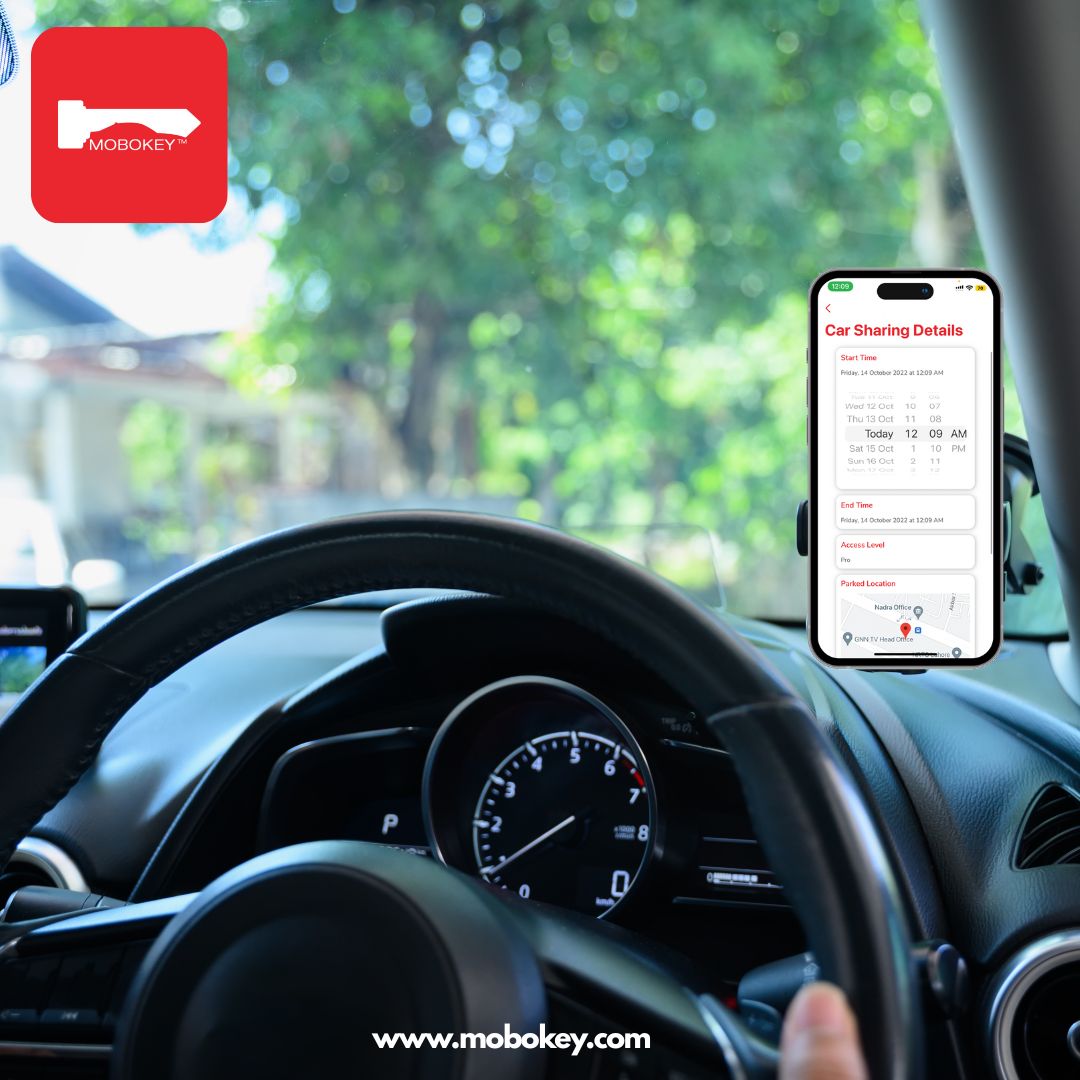
The convenience of Keyless Car Sharing Onboarding has made renting a vehicle faster than ever. Modern car sharing platforms, from peer-to-peer services like Turo and Getaround to station-based providers like Zipcar, have moved away from paper and physical offices. Crucially, the entire process, from application to unlocking the car, is now digital. For anyone looking to join the sharing economy, here is the streamlined, step-by-step process for signing up for a keyless car sharing service.
Phase 1: Registration and Verification (The Digital Application)
This phase ensures you meet the membership requirements and confirms your identity and driving history.
Download the App and Create an Account
Action: Download the service’s mobile app (e.g., Turo, Zipcar) or visit their website.
Details: Provide basic information, including your full name, email address, and a secure password. Many apps allow sign-in using social accounts or Google/Apple for speed.
Submit Personal and License Information
Action: Complete the membership form by submitting personal details, credit card data, and driving license information.
Details: This often involves in-app license scanning and sometimes facial verification to ensure you meet requirements (like minimum age). Remember, most services require users to be at least 21 years old.
Verification and Approval
Action: The app’s backend system verifies the information provided.
-
Details: The system checks your license validity and driving record. In most cases, approval is instant, allowing you to book within minutes. Once approved, you receive an email confirmation.
Phase 2: Booking and Access (The Keyless Experience)
Once your account is set up, you move immediately to reserving and accessing the vehicle.
Find and Reserve a Car
Log into the app, filter for cars by type and location, and book your trip.
Choose the pickup and drop-off times and select a keyless car (e.g., cars with Getaround Connect or Turo Go). The app constantly syncs with the back end to keep car availability up to date.
Access the Car with Your Phone
When your trip starts, head to the car and use the app to perform the check-in process.
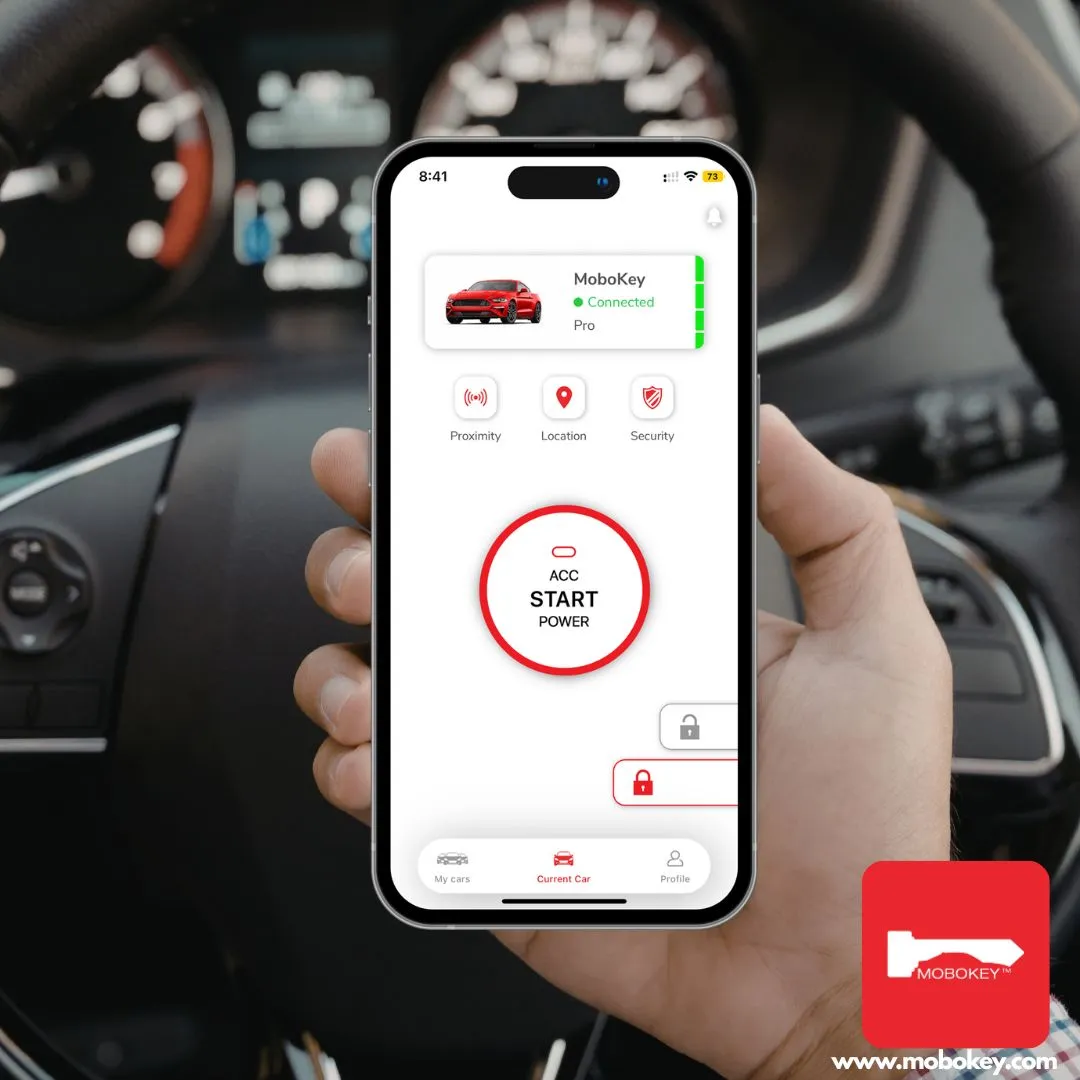
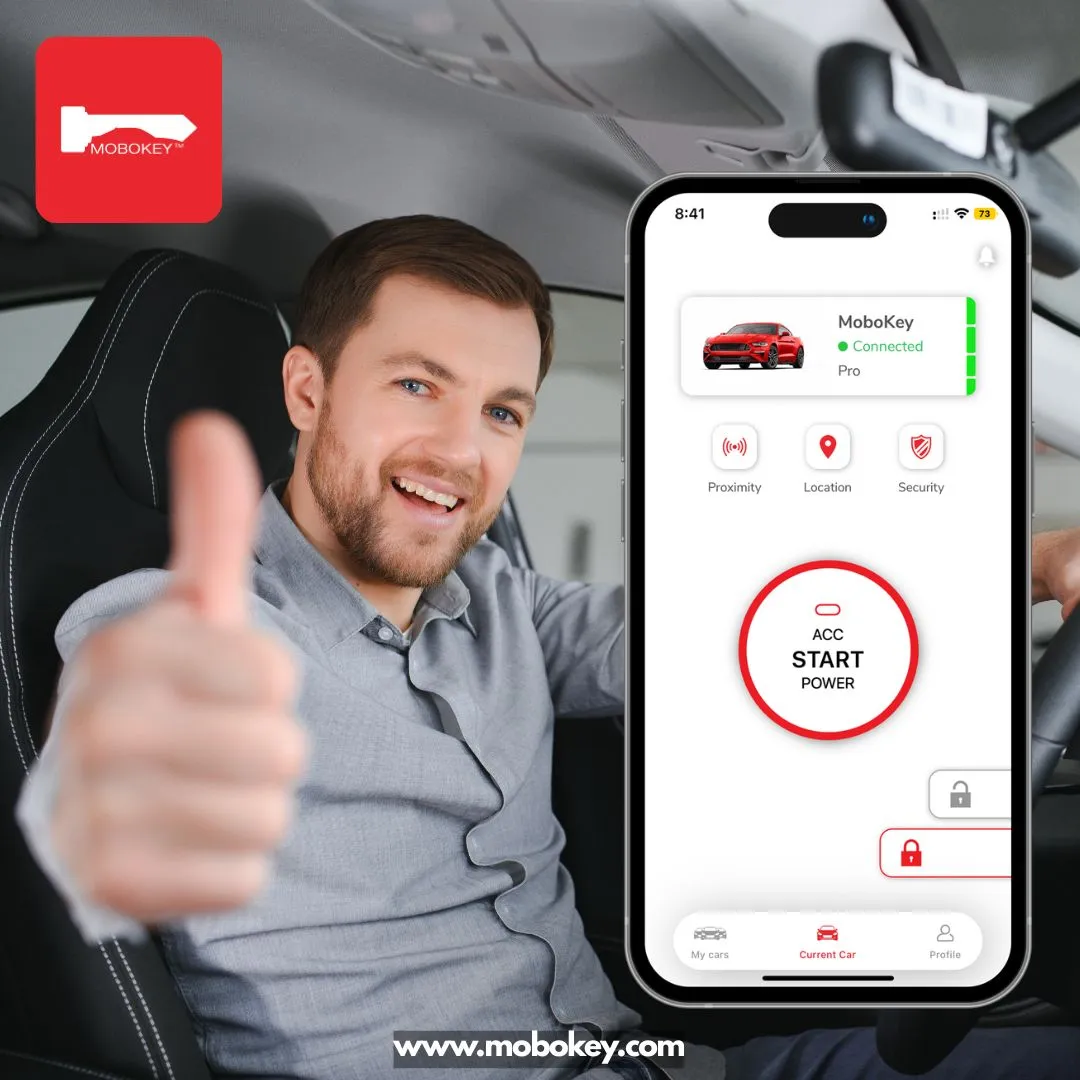
The app guides you to inspect the vehicle and report any pre-existing damage. Then, you use the app to unlock the car in one tap, often via Bluetooth. The car keys are typically inside the vehicle.
Step 6: End the Trip and Lock Up
Return the car to the designated location (for Zipcar) or within the service zone (for free-floating).
Use the app to check out and end your rental. Leave the keys inside and lock the vehicle with your phone to complete the transaction.
The MoboKey Advantage for Keyless Onboarding
The success of Keyless Car Sharing Onboarding depends entirely on the technology platform. For entrepreneurs and hosts creating their own keyless platforms, MoboKey Go offers a white-label solution. This technology provides the digital key access, user authentication, and automated management tools needed to launch a branded car-sharing app with minimal hassle.
Ready to launch a fast, secure, and scalable keyless car sharing service?
Choose MoboKey: Digital Key Technology and take control of your fleet—remotely, securely, and effortlessly.
Download the MoboKey application on the App Store or Play Store.